


Short answer: Not efficiently with the standard WhatsApp Business App.
The app limits access to five devices and lacks essential team collaboration features like individual logins, chat assignment, and performance tracking. These constraints make it challenging for growing businesses to manage customer interactions effectively, especially in high-demand markets like the UAE.
For unlimited agent access and advanced tools, the WhatsApp Business API is the solution. It allows multiple agents to manage one WhatsApp number through platforms like respond.io, offering features like:
- Unlimited user access
- Automated chat routing
- CRM integration (e.g., HubSpot, Salesforce)
- Performance tracking and analytics
Businesses like Dubai’s 800 Storage and Automax have already seen faster response times and higher ROI by switching to the API. If your team is struggling with the limitations of the app, upgrading to the API is a logical next step.
Quick Overview:
- WhatsApp Business App: Max 5 devices, no advanced features.
- WhatsApp Business Premium: Up to 10 devices, limited to Android in select countries.
- WhatsApp Business API: Unlimited agents, advanced tools, ideal for scaling teams.
Problems with Using One WhatsApp Account for Multiple Agents
Login Restrictions
The WhatsApp Business App has strict access limits. It allows a single primary phone and up to four linked devices, capping the total at five agents per account. Even with the paid WhatsApp Business Premium plan, this limit only increases to ten devices - and that’s currently available only for Android users in select countries.
When teams exceed these limits, they’re left juggling access. Agents either have to wait for a device slot to free up or share login credentials. Both options are inefficient and can slow response times. Adding more agents isn’t an option unless the entire system is upgraded. On top of this, the app lacks vital features for team collaboration, further complicating operations.
Missing Team Collaboration Features
The basic app doesn’t offer individual logins, chat assignments, or performance tracking. Everyone on the team shares the same interface with the same permissions, making it impossible to identify which agent handled a specific message.
Hania Elmessiry from Rasayel highlights this issue:
"Multiple users refers to the ability to set up multiple team members on the same WhatsApp Business account. Each team member gets their own credentials that they can use to access the shared WhatsApp account."
Without these features, managers can’t monitor individual performance or workloads effectively. There’s also no way to mark chats as resolved or closed, leading to a cluttered inbox and missed follow-ups. Broadcast lists are capped at 256 contacts, unlike the WhatsApp API, which supports unlimited recipients. These limitations make it harder for teams to stay organised, ultimately affecting customer service.
How It Affects Customer Experience
These constraints directly impact how customers are served. Limited access often causes delays, duplicate responses, or even unresolved queries. For example, Lamarsa Coffee in Malaysia faced this issue in 2024. As their message volume grew, they struggled to manage the influx with limited device access. After switching to the WhatsApp API via respond.io, they managed to improve their first response time by 38%.
Another major problem is the lack of CRM integration. Without it, agents often have to repeat questions, frustrating customers. Given that users expect near-instant replies on WhatsApp, urgent messages can easily get lost in a chaotic inbox. Multiple agents might respond to the same query, or worse, assume someone else will handle it. These inefficiencies highlight the need for platforms that enable seamless, well-coordinated teamwork.
WhatsApp Business API: Multi-Agent Access Solution

What Is WhatsApp Business API
The WhatsApp Business API addresses the limitations of the standard WhatsApp Business App by offering a scalable solution for businesses. It eliminates device restrictions and allows an unlimited number of agents to operate under the same WhatsApp number when integrated with a conversation management platform. This means your entire sales team - whether in Dubai, Abu Dhabi, or anywhere across the UAE - can collaborate in real time through a centralised dashboard. Features like automated chat routing ensure that messages reach the right team based on customer profiles or agent availability. Additionally, internal tools like comments and tagging simplify handling complex queries, while performance metrics such as response times and resolution rates help monitor team efficiency.
For marketing, the API offers an optimised Marketing Messages feature, which can deliver messages with up to 9% higher success rates compared to the standard Cloud API. However, businesses must adhere to WhatsApp's 24-hour customer service window. Beyond this timeframe, only pre-approved message templates can be sent.
Requirements for UAE Businesses
To use the WhatsApp Business API in the UAE, businesses must meet several requirements. First, a registered legal entity is essential, along with a verified Meta Business Portfolio to manage a WhatsApp Business Account (WABA). Importantly, the business must have a unique phone number that is not linked to a personal or standard WhatsApp Business App. Meta Business Verification is typically required to increase messaging limits and to gain Official Business Account status, which is marked by the green verification tick. Additionally, an active system administrator must oversee the WABA and its associated assets.
For businesses in regulated sectors like finance or healthcare, it's crucial to work with a Business Solution Provider (BSP) that offers secure data hosting within the UAE to comply with local data sovereignty laws. All communications must also follow WhatsApp's Business Messaging Policy, which enforces strict rules on user opt-ins and prohibits specific types of content. With these prerequisites in place, businesses can move forward with integrating the API into their operations.
How to Set Up the API
Since the WhatsApp Business API does not include a built-in interface, businesses need to partner with a BSP, such as respond.io, to access a messaging platform for their agents. The setup process involves creating an account with the BSP, navigating to the channel settings, and selecting "WhatsApp Business Platform (API)." After this, log in to Facebook to grant permissions for the BSP to manage your WhatsApp Business account and handle billing. You can then choose an existing Meta Business Portfolio and WABA or create new ones.
Next, add your business phone number or use a Meta-provided virtual "555" number, which must be verified through SMS or voice OTP. Once the connection is established, you can configure workflows to direct incoming messages to the appropriate teams and integrate your CRM systems. This ensures that customer data flows smoothly across your team, enabling the multi-agent collaboration discussed earlier.
Using respond.io for Better Team Collaboration
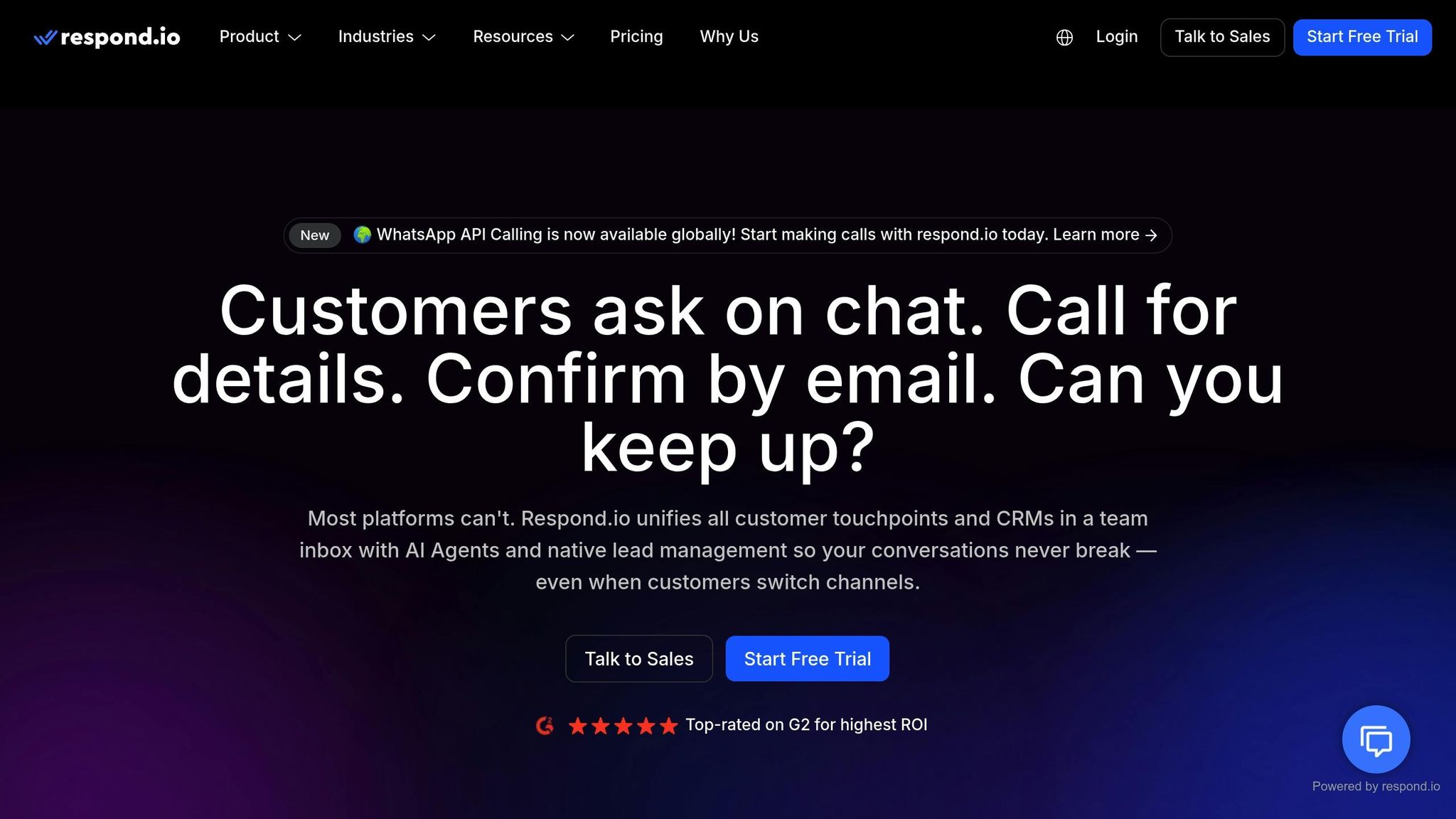
Shared Inbox for Multi-Agent Teams
Respond.io simplifies communication by bringing together conversations from WhatsApp, Facebook, Telegram, and Instagram APIs into a single platform. This eliminates the hassle of switching between apps for agents across the UAE. The Contact Merge feature automatically combines conversations from different channels into one cohesive thread, giving agents a complete view of each customer's interaction history.
Collaboration within teams gets a boost with the Comments feature. Agents can leave internal notes, tag team members for help, or escalate complicated cases seamlessly. To save time, AI-powered summaries condense lengthy conversations into key points for quick understanding. Managers can also use role-based access controls to limit sensitive actions, such as deleting contacts or exporting data, ensuring security and effective oversight.
Automatic Chat Assignment
Respond.io takes the unified inbox a step further by automating the distribution of incoming messages. Manual assignment often leads to delays and inefficiencies, but with workflow automation, conversations are routed based on predefined rules. For example, you can use round-robin distribution to share leads evenly among agents or route chats to agents with fewer open conversations, ensuring a balanced workload. VIP customers? No problem - custom inboxes can be set up to direct high-value inquiries to dedicated agents automatically.
Take 800 Storage, a Dubai-based self-storage company, as an example. With automated routing, they slashed their average first response time by 60%, bringing it down to just 1 minute and 56 seconds.
Tracking Team Performance
Once automated routing is in place, keeping tabs on team performance becomes vital. Respond.io's Reports Module offers detailed metrics on agent productivity, including the number of contacts handled, current workloads, and efficiency indicators like first response and resolution times.
"Through our Reports Module, you can gain insights on the assigned agent for a Contact, the current workload of each agent, and their efficiency in closing conversations based on response and resolution time."
For instance, Automax, a luxury car dealership in the UAE, used respond.io to manage their multilingual sales team and sent over 80,000 targeted WhatsApp broadcasts monthly, achieving a 42.5x return on their platform costs. Similarly, EMAX Beauté experienced an 18x increase in appointments booked via WhatsApp after optimising their lead engagement process on the platform.
Connecting CRM Systems for Lead Management
Managing All Leads in One Place
Bringing your CRM together with the WhatsApp Business API streamlines all customer interactions into a single, organised system. This integration gives your sales team a complete view of every lead. While traditional CRMs focus on emails and calls, modern solutions like respond.io take it a step further by syncing WhatsApp chats directly with platforms like HubSpot or Salesforce.
Automating lead qualification can significantly improve efficiency. By using AI or automated workflows, leads can be qualified instantly. The system then scores and routes these leads based on their responses, ensuring urgent inquiries are prioritised and directed to the right salespeople. A great example of this is SchuVar Tours, which implemented this strategy between 2024 and 2025. They tracked high-quality WhatsApp leads and managed to triple their lead volume. Today, 40% of their leads come from paid WhatsApp ads.
For businesses in the UAE handling a high volume of leads, tracking the entire lead lifecycle is crucial. Automax, a luxury car dealership catering to the UAE and Saudi Arabia, is a prime example. They use their messaging interface to segment contacts by sales stage. In 2025 alone, they sent over 80,000 targeted WhatsApp broadcasts every month, tailored to each lifecycle stage. This approach delivered an impressive 42.5x return on their platform investment. Additionally, their system eliminates duplicate entries by using phone numbers as unique identifiers, merging interactions from both email and WhatsApp into a single, cohesive record. This level of integration not only optimises lead distribution but also provides actionable insights for better decision-making.
But lead management is only part of the story. Keeping a detailed conversation history is just as important for long-term customer relationships.
Storing Conversation History and Data
To build on unified lead management, storing conversation history ensures seamless continuity. Real-time CRM syncing protects valuable leads even when team members change. Every chat, media file, and customer detail is securely stored within CRM records. This is especially critical for industries with longer sales cycles.
"A CRM system consolidates all customer interactions in one place, making it easier for your team to manage inquiries, complaints, and updates from WhatsApp alongside emails, calls, and other channels." – ChatArchitect
Having this data stored also opens up opportunities for deeper analytics. Managers can monitor response times, resolution rates, and conversion performance across the team. For instance, Qoyod, a Saudi Arabian accounting software provider, centralised their WhatsApp conversations into their CRM and achieved remarkable results. Within just three months in 2024, they doubled their sales, saved 70% of time on repetitive tasks, and increased customer satisfaction by 40%. To ensure this level of success, it’s essential to map WhatsApp data fields accurately to your CRM fields right from the start.
sbb-itb-0a82e4d
Tracking WhatsApp Conversions with WAConversionTracking
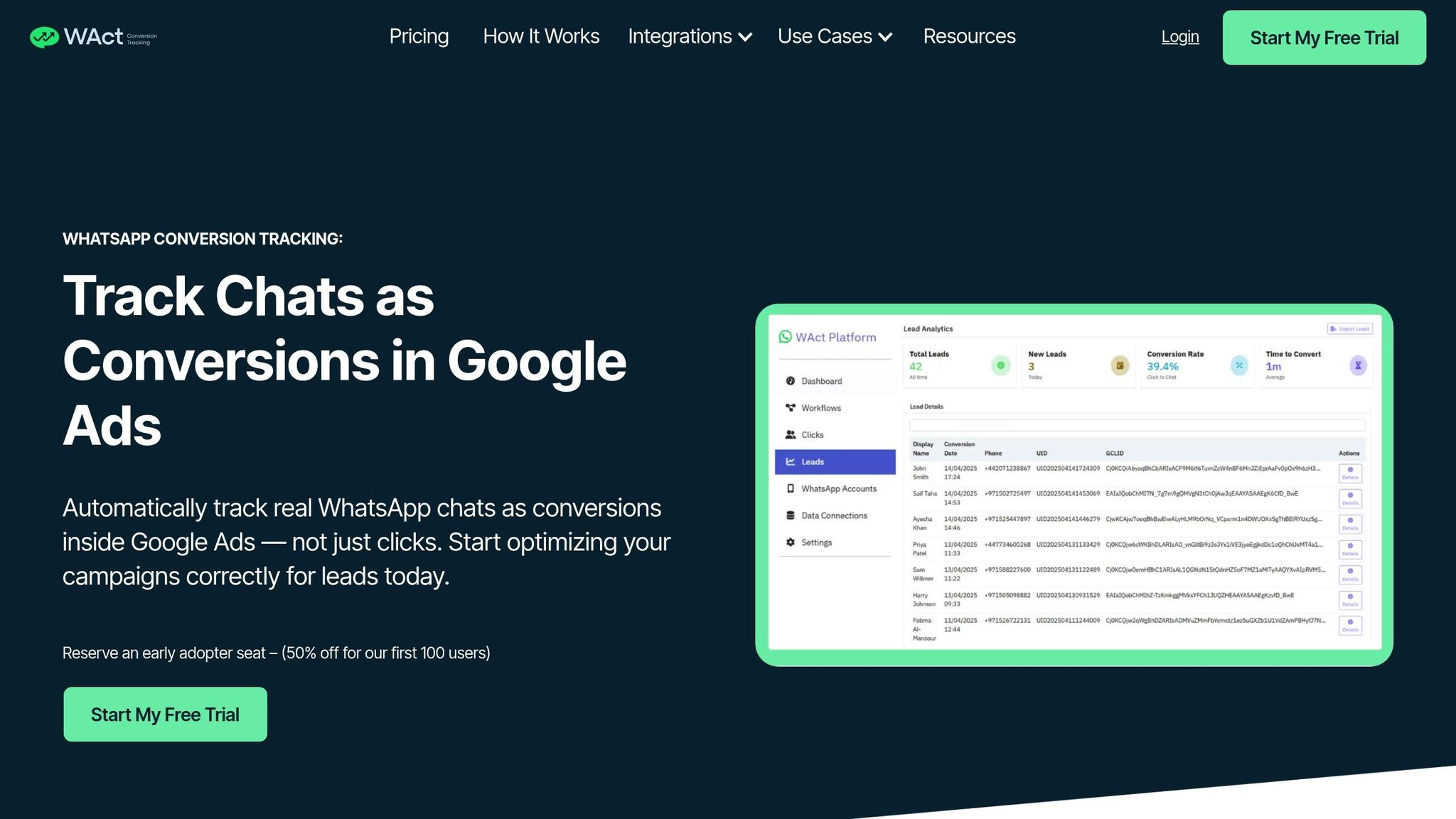
Tracking Real WhatsApp Conversations
When running click-to-WhatsApp campaigns in the UAE, tracking WhatsApp conversations sparked by ads is crucial. WAConversionTracking steps in to log these interactions as actual conversions. Here's how it works: when someone clicks your WhatsApp button, the tool records key details like GCLID and UTM parameters, directly linking each chat to its corresponding ad campaign.
You can either use a pre-designed WhatsApp button or integrate the tracking script provided. The tool operates through "Workflows", which seamlessly connect your WhatsApp account with Google Ads and a Google Sheets document. This setup ensures all tracking logic is centralised, allowing lead data to flow smoothly into an organised system for easy management and verification. Before ramping up your ad spend, take advantage of the testing feature to make sure your WhatsApp button is capturing leads accurately and transferring data as intended. Additionally, the platform uploads offline conversions to Google Ads, linking each conversation back to the specific click and campaign that initiated it. This level of precision provides solid data for optimising bidding strategies.
Better Google Ads Smart Bidding Results
Accurate conversion tracking doesn’t just give you numbers - it fuels better performance. With reliable data in hand, Google Ads Smart Bidding becomes far more effective. In the UAE, WhatsApp marketing campaigns in cities like Dubai boast impressive stats: a 98% message open rate and click-through rates between 45% and 60% - roughly five times higher than email or SMS campaigns. Without proper tracking, these high-intent interactions might go unnoticed by your ad platform, leaving valuable opportunities untapped.
API Solutions for WhatsApp Business App Users
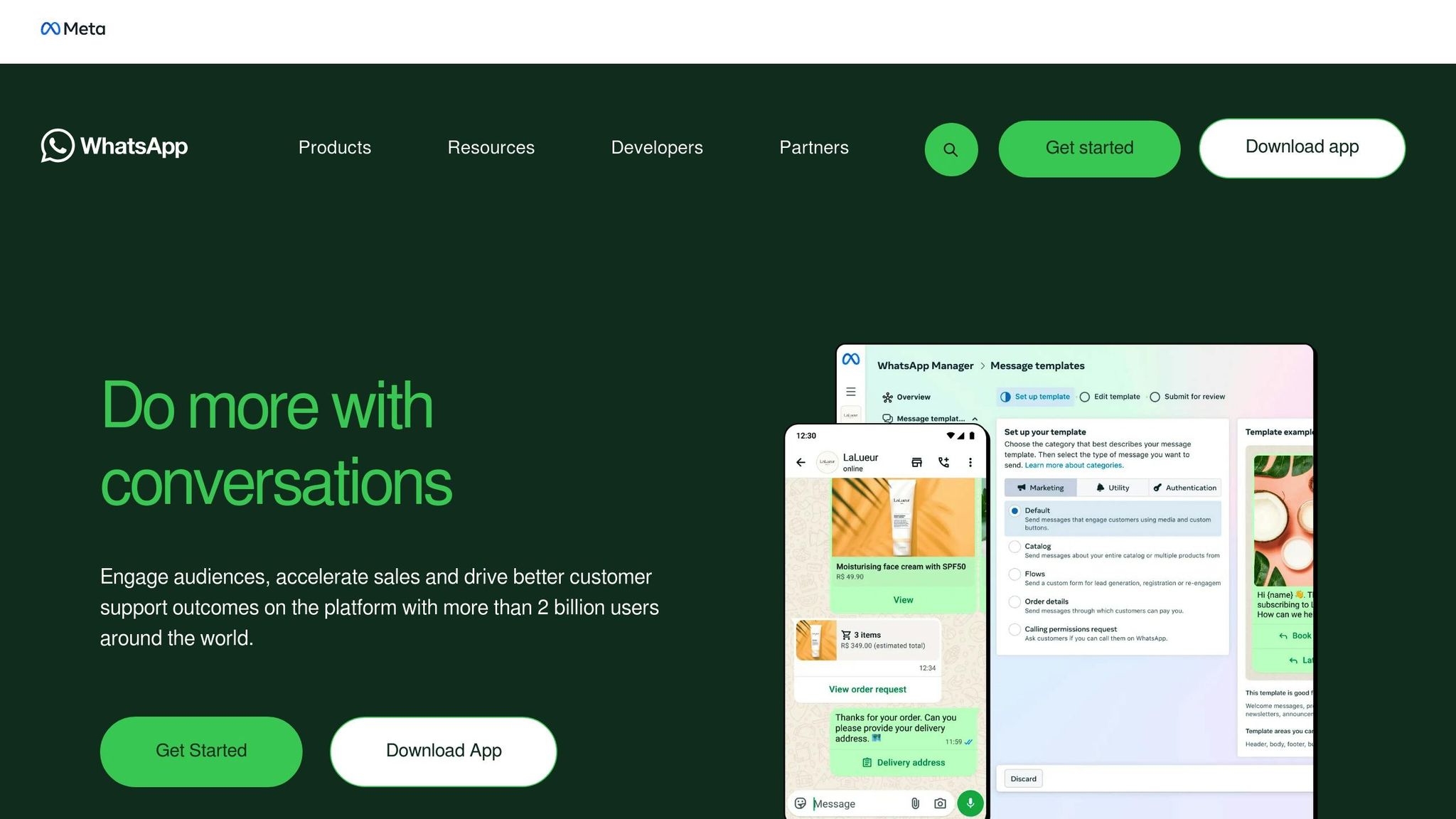
Comparing Multi-Agent WhatsApp Tools

WhatsApp Business Solutions Comparison: App vs Premium vs API
Feature Comparison Table
The standard WhatsApp Business App is a good starting point for small teams in the UAE, supporting up to five devices. However, as your team grows, upgrading to the WhatsApp Business API through providers like respond.io or Rasayel offers a range of advanced capabilities. These include unlimited user access, sophisticated automation, and seamless CRM integrations, making it a better fit for larger teams or businesses with more complex needs.
Here's a comparison tailored for UAE-based operations:
| Feature | WhatsApp Business App | WhatsApp Business Premium | WhatsApp Business API (via respond.io/Rasayel) |
|---|---|---|---|
| User Limit | Up to 5 devices | Up to 10 devices | Unlimited users |
| Broadcast Limit | 256 contacts | 256 contacts | Unlimited (to opted-in contacts) |
| CRM Integration | None (manual tagging only) | None | HubSpot, Salesforce, Pipedrive |
| Performance Tracking | None | None | Advanced (response and resolution time tracking) |
| Automation | Basic (greeting/away messages) | Basic | Advanced AI agents and workflows |
| Pricing | Free | Paid subscription | Monthly subscription plus Meta's per-message fees |
| UAE Support | Standard | Standard | High (used by companies like 800 Storage and Automax) |
The table highlights the key differences, particularly in user limits, automation capabilities, and CRM integration. Pricing models also reveal distinct advantages: respond.io, for instance, charges only a monthly subscription without adding extra fees to Meta's WhatsApp charges, unlike some providers that impose an additional AED 55 per month.
"WhatsApp API is the best option for growing businesses and SMEs, as it supports an unlimited number of users in a shared team inbox and offers advanced features like automation, AI, and reporting." – respond.io
For businesses leveraging click-to-WhatsApp campaigns, integrating tools like WAConversionTracking can further enhance performance. This tool works alongside any API provider to capture real chat conversions, feeding them directly into Google Ads. By providing accurate conversion data, it strengthens your communication strategy and ensures your campaigns are optimised for multi-agent setups.
Final Recommendations
If your team has outgrown the five-device limit of the WhatsApp Business App, moving to the WhatsApp Business API is a smart next step. By partnering with an official Meta Business Partner like respond.io, you can unlock unlimited user access, advanced automation tools, and seamless CRM integration. Businesses in the UAE, such as 800 Storage in Dubai and Automax, have already shown how effective the API can be - significantly improving response times and delivering impressive returns on investment.
To make the transition smooth, you’ll need a few essentials. Start by securing a valid phone number that isn’t linked to an existing WhatsApp account, ensure your Meta Business Portfolio is admin-approved, and verify your website. If you want to use both the WhatsApp Business App and API simultaneously, explore the option of WhatsApp Coexistence.
Once you're set up with the API, take advantage of automation tools. Use Workflows to route leads based on agent availability or expertise, and deploy AI Agents to handle routine FAQs and qualify leads. This allows your sales team to focus on more meaningful, high-value conversations. Integrating your CRM, like HubSpot or Salesforce, ensures all conversation histories are centralised, reducing the risk of data loss when team members leave.
For businesses running click-to-WhatsApp campaigns, enhancing campaign analytics is essential. Adding WAConversionTracking helps capture actual chat conversions and provides accurate data to optimise Smart Bidding strategies.
To support high-volume operations, verify your Meta Business Portfolio. This step can increase your daily messaging limit from 250 to over 2,000 unique customers. Additionally, keep an eye on agent performance through Reports to quickly identify and resolve any bottlenecks.
FAQs
How can my business switch from WhatsApp Business App to WhatsApp Business API?
Switching to the WhatsApp Business API lets your business move from a single-device setup to a system that supports multiple agents, complete with features like shared inboxes, CRM integration, and automated messaging. This setup is perfect for medium-to-large teams handling a high volume of customer interactions.
Here’s what you need to do to make the switch:
- Set up a Meta Business Manager account: Ensure your business profile is verified, use a business-owned phone number, and have a payment method ready to cover per-message fees.
- Work with a Business Solution Provider (BSP): A BSP will host the API and offer tools like shared inboxes. They’ll also assist with phone number verification and guide you through onboarding.
- Configure the API: Obtain API credentials, set up webhooks for real-time message tracking, and integrate the API with your CRM to centralise lead and customer management.
- Train your team: Familiarise your team with the shared inbox and updated workflows. Once the API is operational, make sure to deactivate the WhatsApp Business App on the original device.
For businesses in the UAE, ensure all costs are quoted in AED (e.g., AED 1,200.00), use the dd/MM/yyyy date format, and follow local number formatting (e.g., 10,000 messages). This transition not only streamlines customer communication but also enables smooth multi-agent collaboration.
How can the WhatsApp Business API help multiple sales agents work together effectively?
The WhatsApp Business API is a powerful tool for businesses that require multiple sales agents to manage customer communication. It enables unlimited agents to use the same account, making teamwork more efficient and organised. With features like performance tracking for individual agents, CRM integration, and advanced automation, teams can manage customer interactions effectively while maintaining a polished and professional approach.
The API also provides detailed reporting capabilities, allowing businesses to review interactions and refine their communication strategies. This makes it a great choice for companies looking to scale operations while keeping customer service smooth and well-structured.
What do UAE businesses need to start using the WhatsApp Business API?
To use the WhatsApp Business API in the UAE, businesses must first have a Meta Business Manager account. This account should be linked to a verified WhatsApp Business Account and connected to a valid phone number. Beyond this, they need to set up a payment method, create a business app, and secure a valid access token. The access token should include the necessary permissions, such as whatsapp_business_management.
It's also essential for businesses to follow WhatsApp’s Business Solution Terms. These terms ensure that the platform is used responsibly and within the guidelines set by WhatsApp.
By meeting these requirements, businesses in the UAE can effectively use WhatsApp as a professional communication tool, staying aligned with both local regulations and platform-specific rules.




