


LinkedIn First-Party Ads Tracking ID (li_fat_id) is a unique identifier added to your landing page URL when someone clicks on a LinkedIn ad. It helps track conversions by staying consistent across multiple clicks and campaigns. Stored as a first-party cookie, it remains valid for 30 days from the last interaction, resetting with each new click.
Why it matters:
- Improved tracking: Unlike Google’s GCLID or Facebook’s fbclid, li_fat_id doesn’t change with every click, ensuring accurate attribution for long sales cycles.
- Privacy-compliant: As a first-party cookie, it works despite browser restrictions on third-party cookies.
- Enhanced match rates: Used with LinkedIn’s Conversions API, it connects ad interactions to conversions more effectively.
How it works:
- URL parameter: Added to the landing page URL (e.g.,
?li_fat_id=abc123). - First-party cookie: Stored in the browser if the LinkedIn Insight Tag is installed.
- Consistency: The same ID is reused for a user across campaigns unless the cookie expires.
Setting it up:
- Enable Enhanced Conversion Tracking in LinkedIn Campaign Manager.
- Install the LinkedIn Insight Tag on your site to store li_fat_id as a first-party cookie.
- Use JavaScript to extract the ID from the URL or cookies for integration with your CRM or LinkedIn Conversions API.
This approach ensures precise conversion tracking, especially for businesses with lengthy sales cycles, like many in the UAE. By leveraging li_fat_id, advertisers can attribute conversions more effectively and gain better insights into campaign performance.

LinkedIn li_fat_id vs Google GCLID and Facebook fbclid Tracking Comparison
How li_fat_id Works: Technical Details
Key Characteristics of li_fat_id
The li_fat_id operates in two main ways: as a URL parameter and as a first-party cookie. When someone clicks on your LinkedIn ad, this ID is automatically added to the landing page URL (e.g., yourwebsite.com/?li_fat_id=abc123). If the LinkedIn Insight Tag is installed and Enhanced Conversion Tracking is enabled, this ID is also saved as a first-party cookie in the user's browser.
This cookie remains valid for 30 days from the user's most recent click. Each time a user clicks on a LinkedIn ad, the 30-day window resets, extending the tracking period for users who interact with your ads frequently. A standout feature is that the same li_fat_id value stays consistent for a specific user, even across multiple campaigns and clicks. If the 30-day period lapses and the cookie is deleted, LinkedIn generates the same unique ID for the user when they click on another ad.
However, proper setup is crucial. If the LinkedIn Conversions API is not configured correctly - specifically, if the FirstPartyTrackingEnabled parameter is not set to true - the ID might be stored as a third-party cookie instead of a first-party one. This can impact tracking accuracy, especially on browsers like Safari, which limits third-party cookies to seven days.
li_fat_id vs Other Tracking IDs
What sets li_fat_id apart from other tracking IDs is its consistency. For example, Google Click ID (GCLID) and Facebook Click ID (fbclid) create a new ID for every ad click. If a user clicks on your Google ad multiple times before converting, each click generates a separate identifier. In contrast, li_fat_id remains the same for the user, no matter how many times they click.
| Feature | LinkedIn (li_fat_id) | Google (GCLID) / Facebook (fbclid) |
|---|---|---|
| Persistence | Stays consistent for a user across multiple clicks | Changes with every individual click |
| Tracking Accuracy | Provides greater consistency for long-term attribution | Can become fragmented due to new IDs for each click |
| Primary Storage | Stored as a first-party cookie (with Insight Tag) or URL parameter | Typically stored as a URL parameter |
Digital marketer Tanner Stolte highlights the benefits of this approach:
"This click ID is unique to each person and will give you the strongest match rates when sending conversion events back to LinkedIn."
This consistency is especially useful for businesses in the UAE, particularly B2B advertisers, where sales cycles often span weeks or even months. A prospect might click on your ad several times while exploring options before deciding to convert. Thanks to the persistent nature of li_fat_id, LinkedIn can accurately attribute the conversion to your campaign, even if the user engages with your ads on different devices over an extended period.
sbb-itb-0a82e4d
How to Set Up and Capture li_fat_id
Enabling li_fat_id in LinkedIn Campaign Manager
To enable li_fat_id, start by turning on Enhanced Conversion Tracking in LinkedIn Campaign Manager. Go to Data > Signals Manager > Insight Tag, then access the Manage Insight Tag dropdown. From there, select Settings and check the box for Enable enhanced conversion tracking. Once this is activated, LinkedIn will automatically append the li_fat_id parameter to your landing page URLs when users click on your ads.
If you want to store the ID as a first-party cookie, you'll need to install the LinkedIn Insight Tag on your site. Without the tag, the ID will only be stored as a third-party cookie, which can reduce tracking accuracy, especially on browsers like Safari.
"Due to industry changes, if first-party cookies aren't enabled, conversion tracking accuracy might be impacted and could cause a conversion count loss." - LinkedIn Help
Methods to Capture li_fat_id
Once li_fat_id is enabled, you can capture it using one of the methods below to ensure seamless integration with your tracking systems.
Parsing from URL
Use a simple JavaScript snippet to extract the li_fat_id parameter directly from the landing page URL:
const li_fat_id = (new URLSearchParams(window.location.search)).get("li_fat_id");
This method works best for capturing the ID immediately upon a user's arrival on your site.
Reading from Cookies
If you’ve installed the Insight Tag, the li_fat_id can also be accessed from the browser's cookies. Here’s an example function to retrieve it:
function getCookie(name) {
  let matches = document.cookie.match(new RegExp(
    "(?:^|; )" + name.replace(/([.$?*|{}()[\]\\/+^])/g, '\\$1') + "=([^;]*)"
  ));
  return matches ? decodeURIComponent(matches[1]) : undefined;
}
// usage: getCookie('li_fat_id');
Once captured, the ID should be stored in a hidden form field within your lead generation forms. This ensures the li_fat_id is passed into your CRM or database when users submit their details.
For single-page applications (SPAs), it’s important to place the Insight Tag as early as possible in your site’s <head> section. This prevents client-side scripts from removing the parameter before you can capture it.
| Feature | Parsing from URL | Reading from Cookies |
|---|---|---|
| Prerequisite | Enhanced conversion tracking enabled | Insight Tag installed on the site |
| Attribution | Supports click-through conversions | Tracks both click-through and view-through conversions |
| Persistence | ID is available only on the first page visit | ID remains in the browser for 30 days |
Verifying Your Setup
To make sure everything is working properly, use the LinkedIn Insight Tag Helper Chrome extension. This tool helps confirm that your tag is firing correctly and capturing the li_fat_id. Proper verification is especially important for advertisers in the UAE running high-value B2B campaigns, where accurate tracking can directly influence ROI. Capturing the li_fat_id accurately is a critical step for taking full advantage of LinkedIn’s advanced conversion tracking and API integrations. Further details on these integrations will be covered in the next sections.
Using li_fat_id with LinkedIn Conversions API
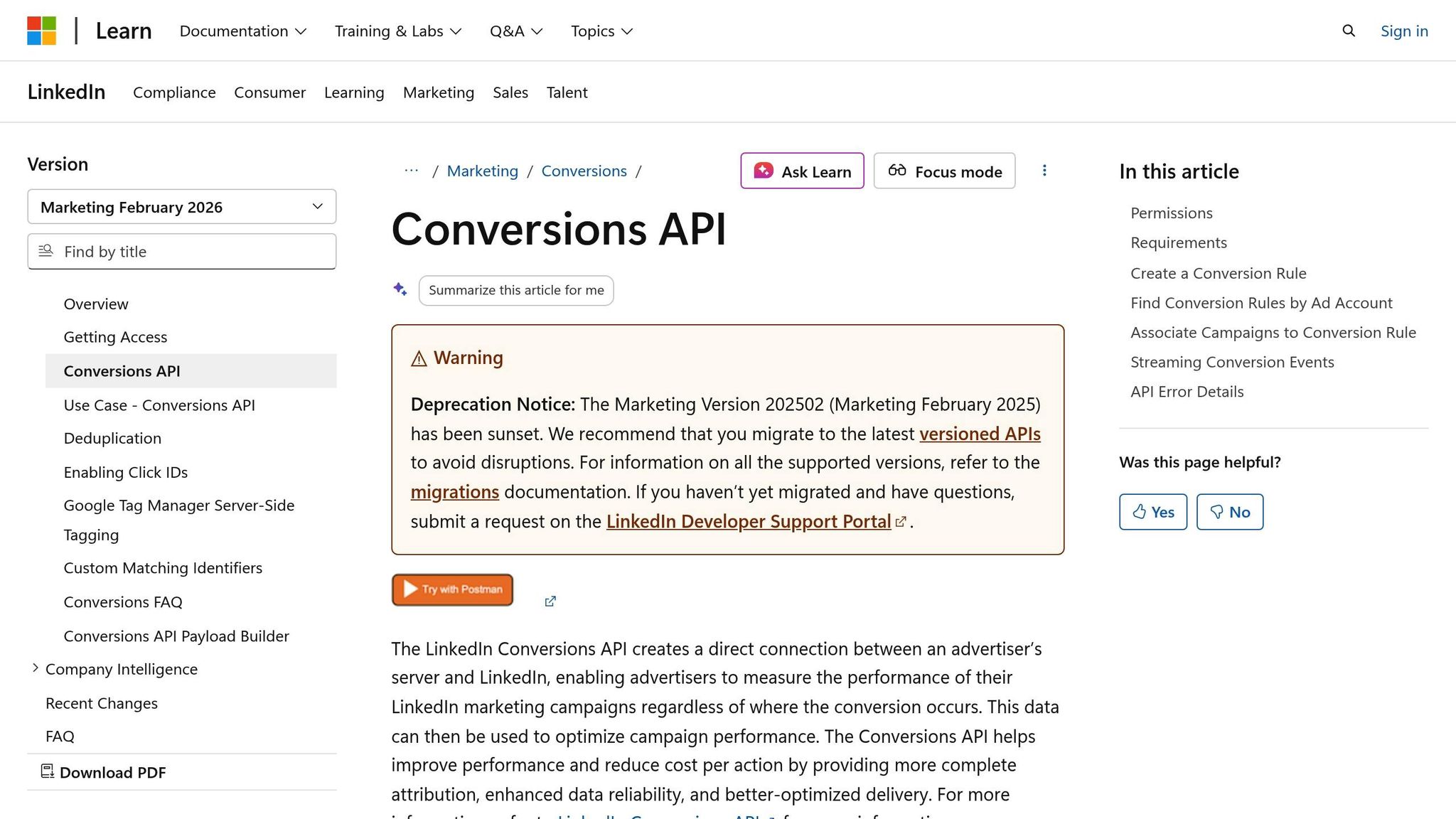
Setting Up LinkedIn Conversions API with li_fat_id
Once you've captured li_fat_id, the next step is integrating it with the LinkedIn Conversions API (CAPI). This integration allows you to send conversion events directly from your server, bypassing browser restrictions and improving tracking precision.
To include li_fat_id in your API request, add it to the userIds array in the POST request to /conversionEvents. Set idType to LINKEDIN_FIRST_PARTY_ADS_TRACKING_UUID, and use the actual ID as the idValue.
Here's how the payload should look:
| API Field | Type | Description |
|---|---|---|
idType |
String | Must be set to LINKEDIN_FIRST_PARTY_ADS_TRACKING_UUID. |
idValue |
String | The li_fat_id value, captured from the URL or cookie. |
conversion |
URN | The URN of the conversion rule (e.g., urn:lla:llaPartnerConversion:123). |
eventId |
String | Optional unique ID for deduplication between CAPI and the Insight Tag. |
conversionHappenedAt |
Long | Epoch timestamp in milliseconds (must be within the last 90 days). |
To maximise match rates, pair li_fat_id with other identifiers, such as hashed emails, names, or company details. Ensure conversion events are sent within 90 days of their occurrence to maintain data accuracy. For larger campaigns, you can batch up to 5,000 events in a single request to stay within LinkedIn's rate limits.
If you're using both the Insight Tag and CAPI, include a unique eventId in both signals. This helps LinkedIn deduplicate events automatically, ensuring conversions aren’t double-counted. The Insight Tag's event will take priority.
This setup enhances your server-side tracking capabilities, leveraging li_fat_id for more reliable and accurate conversion data.
Benefits of API Integration
Integrating li_fat_id with the Conversions API offers a host of benefits, particularly for advertisers in the UAE. One of the standout advantages is improved match rates. By connecting conversion events to LinkedIn member profiles more effectively, your campaigns can benefit from higher-quality signals.
The persistent nature of li_fat_id also ensures better attribution across the customer journey. Even if users interact with multiple ads before converting, this integration helps maintain accurate tracking.
Another key benefit is full-funnel visibility. By linking online and offline data - such as phone calls, in-person meetings, or CRM-driven deals - back to LinkedIn using li_fat_id, you can gain a more complete understanding of what drives results. This enables smarter budget allocation and helps reduce your cost per action.
"Using Conversions API with the Insight Tag gives you a more complete view of your conversion tracking. We deduplicate information sent through Conversions API and Insight Tag, which means we identify if an event has been sent through both and only count it once."
– LinkedIn Marketing Solutions Help
For advertisers running high-volume campaigns, the ability to batch up to 5,000 events per request ensures a steady flow of data. With LinkedIn's rate limits of 600 requests per minute and 300,000 requests per day, this approach keeps your insights up-to-date and actionable, allowing for timely campaign adjustments.
What is Li_fat_id & How it boosts your LinkedIn Ads Performance | LinkedIn Conversions API
Improving Campaign Performance with li_fat_id
Using li_fat_id, advertisers can connect detailed conversion data with campaign strategies, making data-driven decisions more effective.
Better Conversion Tracking
The li_fat_id offers a stable foundation for conversion tracking. Unlike other click IDs, it stays consistent across multiple interactions, ensuring seamless tracking of conversions.
This consistency is especially helpful for long sales cycles, which are common in UAE-based B2B campaigns. When paired with LinkedIn’s conversion windows, it can track conversions that might otherwise go unnoticed. For high-value actions, such as generating qualified leads or completing purchases, tracking can extend up to 365 days, giving advertisers a clear view of their long-term ROI.
"Li_fat_id does not change with every click like Google click ID and FB click ID. And since it's unchanged, it can identify the users who have converted more accurately than other Click IDs."
– Goutham Veerabathini, Marketing Enthusiast, CustomerLabs
Additionally, li_fat_id’s first-party cookie structure makes it more resistant to browser restrictions and ad blockers, which often disrupt third-party tracking. This means fewer gaps in your conversion data and more accurate ROI calculations. When conversion values are assigned in Campaign Manager, LinkedIn can calculate the actual return on ad spend (ROAS), giving you a clearer picture of financial outcomes across campaigns - not just clicks.
With this improved tracking, advertisers can make smarter decisions about ad targeting and budget allocation.
Optimising Ad Targeting and Budget Allocation
The precise data provided by li_fat_id doesn’t just improve tracking - it also enhances campaign performance by refining automated bidding and budget strategies. When li_fat_id is used alongside LinkedIn’s Conversions API, the platform’s automated bidding system receives richer signals, enabling it to prioritise high-value prospects. By passing li_fat_id through the Conversions API along with conversion events, LinkedIn’s algorithms can better identify users likely to convert, potentially lowering acquisition costs over time.
Connecting conversion rules across ad sets also strengthens LinkedIn’s optimisation engine. This allows it to spot patterns across campaigns, improving overall performance. For example, if you see a "Low Match Rate" warning in Signal Manager, it could indicate li_fat_id or other identifiers aren’t being transmitted correctly - fixing this can lead to immediate performance improvements.
Strategic budget allocation benefits from the "Each Ad Set" attribution model, which credits all touchpoints in the conversion journey. This approach highlights how top-of-funnel campaigns contribute to final conversions. Without this insight, you might mistakenly cut budgets for campaigns that play a crucial supporting role.
For UAE campaigns, where professional audiences often research extensively before converting, this comprehensive view is critical. It helps pinpoint which creative formats, messages, and audience segments yield the best results, enabling advertisers to allocate budgets more effectively. With consistent tracking and detailed attribution, campaigns can achieve sharper, data-driven optimisation.
Conclusion
Li_fat_id plays a key role in ensuring effective LinkedIn advertising within the UAE. By consistently identifying users, it allows advertisers to track conversions across lengthy sales cycles, leading to more precise attribution and better campaign results.
When paired with LinkedIn's Conversions API, li_fat_id provides high-quality signals that enhance automated bidding. These signals enable LinkedIn's algorithms to focus on users with a higher likelihood of converting, helping advertisers make the most of their budgets while improving match rates. As a first-party cookie, li_fat_id also remains unaffected by browser restrictions on third-party cookies, maintaining reliable conversion tracking even as privacy regulations shift. For advertisers in the UAE handling campaigns with extended conversion windows of up to 365 days for high-value actions, this reliability is especially crucial.
Using li_fat_id can streamline your LinkedIn campaigns and support smarter spending decisions, making it a valuable asset for achieving your advertising goals.
FAQs
How do I check if li_fat_id is being captured correctly on my site?
To check if the li_fat_id parameter is being captured properly, start by clicking on your LinkedIn ad. Once you land on your website, look for the parameter in the URL or cookies. You can use your browser's developer tools for this - navigate to the "Application" or "Storage" tab and inspect the cookies. Confirm that the li_fat_id cookie holds a valid and consistent ID. If you don't see it, revisit your Insight Tag setup to ensure everything is implemented correctly.
Will li_fat_id still work if users block cookies or use Safari/iOS?
LinkedIn's li_fat_id will continue to function even if users block cookies or use Safari/iOS. This is because LinkedIn's first-party cookie tracking, including li_fat_id, relies on first-party cookies, which are unaffected by the blocking of third-party cookies.
How can I pass li_fat_id into my CRM and send it via LinkedIn Conversions API?
To integrate the li_fat_id into your CRM and transmit it using the LinkedIn Conversions API, start by retrieving it from the first-party cookie on your website. This cookie is created when a user interacts with a LinkedIn ad. Once retrieved, include the li_fat_id as a parameter in your server-side event payload sent via the API. Make sure this data is sent in real time, along with other relevant matching parameters, to ensure accurate attribution and effectively connect user actions to specific ad campaigns.




