


TikTok Click ID (TTCLID) is a unique tracking code automatically added to URLs when users click on TikTok ads. This identifier links ad clicks to actions users take on your website, such as purchases or sign-ups, for up to 30 days. TTCLID ensures accurate conversion tracking, helps refine ad targeting, and improves campaign performance by providing TikTok with data to optimise ads. It's TikTok's equivalent of Google’s GCLID or Meta’s FBCLID, making it essential for advertisers to measure ROI effectively. For businesses in the UAE, integrating TTCLID with tools like WAConversionTracking can also attribute WhatsApp interactions as conversions, ensuring a clear view of customer journeys.
How TTCLID Works in TikTok Ad Tracking

How TikTok Click ID (TTCLID) Tracks Conversions: Complete Workflow
TTCLID plays a crucial role in connecting ad clicks to user actions, making it an essential tool for tracking conversions and refining ad campaigns. Here's a closer look at how it functions and why it matters.
How TTCLID Tracks Conversions
Every time someone clicks on your TikTok ad, a unique identifier called TTCLID is generated for that specific interaction. When the user completes a conversion - like making a purchase or subscribing to a newsletter - the TikTok Pixel or Events API captures this TTCLID and sends it back to TikTok's servers.
TikTok then matches the TTCLID with the original ad click, effectively linking the conversion to the specific campaign, ad group, and creative that influenced the action. This process ensures you can clearly see which ads are driving results. As Igor Simic, a digital marketing expert, explains:
"If you do not send click id back to the advertising platform, conversion will not be attributed and you will not see it in your campaign report".
The data collected doesn't just appear in reports - it also fuels TikTok's machine learning models. These models use the information to improve ad targeting, create custom audiences, and enhance overall campaign performance.
For more accurate tracking in regions with strict privacy regulations or browser settings that block cookies, the Events API (Server-to-Server) is a reliable option. This method captures the TTCLID directly from your landing page and sends it back via your server, avoiding issues caused by blocked or deleted cookies.
How TTCLID is Added to URLs
TikTok simplifies the process by automatically appending the TTCLID to your ad URLs. For example, if your original link is mysite.com/offer or mysite.com/offer?source=social, TikTok will add the ttclid parameter seamlessly. This automated system ensures that the tracking code integrates smoothly without interfering with existing parameters like UTM codes.
For those who need more customisation or are working with third-party tools, you can manually include the __CLICKID__ macro in your URLs (e.g., ?ttclid=__CLICKID__). To ensure everything is set up correctly, use the Preview button in TikTok Ads Manager before launching your campaign to confirm that the TTCLID is being appended properly.
sbb-itb-0a82e4d
Setting Up TTCLID for Accurate Tracking
To ensure precise conversion tracking with TTCLID, it's essential to capture and store this identifier on your landing pages and integrate it into your postback systems. TikTok automates much of this process as of April 2024, but knowing the manual setup options can provide extra flexibility.
Capturing TTCLID on Landing Pages
When someone clicks on your TikTok ad, the platform automatically adds the ttclid parameter to your URL. Capturing and storing this parameter is key to maintaining accurate tracking, even if the user returns within the 30-day validity period. To do this effectively, save the TTCLID in a first-party cookie. This ensures the identifier persists across sessions and can later be used for conversion reporting via TikTok’s Events API.
Developers can extract the ttclid parameter from the URL using server-side parsing and store it with user session data. If you’re configuring URLs manually in TikTok Ads Manager, go to the Ad Group level and update your Destination URL. For URLs with existing parameters (e.g., ?source=tiktok), append &ttclid=__CLICKID__. If the URL has no parameters, simply add ?ttclid=__CLICKID__.
One important technical step is ensuring that caching plugins, such as those used with WordPress or Cloudflare, are set to ignore the ttclid parameter. If not, cached pages could serve incorrect data to users, disrupting tracking accuracy.
After securely storing TTCLID on your landing pages, you’re ready to integrate it into your analytics and postback systems.
Using TTCLID in Postbacks and Analytics Tools
Once you’ve captured the TTCLID, the next step is to pass it to your analytics tools and CRMs during the conversion process. For server-side tracking with the Events API, include the stored TTCLID along with other identifiers - like hashed emails or phone numbers - when sending conversion events back to TikTok. This approach is particularly useful in scenarios where privacy settings limit cookie tracking, a common situation in the UAE.
If you’re using Mobile Measurement Partners (MMPs), ensure you include the relevant callback parameters. For example:
- Adjust: Use
tiktok_callback_param=__callback_param__. - AppsFlyer: Use
clickid=__CALLBACK_PARAM__for accurate reporting.
For businesses relying on platforms like WAConversionTracking, which specialises in WhatsApp conversion attribution, you’ll need to input your TikTok Pixel ID and Access Token into the tool’s dashboard. This integration allows the Events API to record server-side conversions, even when users complete actions on WhatsApp rather than on your website. This is particularly valuable in the UAE, where WhatsApp is a key communication tool for businesses.
TTCLID's Role in Conversion Attribution and Campaign Optimization
Improving Attribution Accuracy
TTCLID creates a unique code for every click, enabling TikTok to directly connect user actions - like purchases or sign-ups - back to the campaign that initiated them. This tackles a common issue: TikTok's in-app browser often causes tools like Google Analytics to mislabel traffic as "organic" or "direct" instead of paid. With TTCLID, TikTok always identifies itself as the referrer, ensuring accurate traffic classification.
Another standout feature is its ability to support multi-session attribution. Unlike standard UTM tags that typically track single-session conversions, TTCLID's 30-day validity window captures conversions from users who return later to complete their purchase. This is especially useful in the UAE, where customers often research extensively before making a final decision.
"TikTok will always recognise itself as the referrer and correctly log all conversions that result from a TikTok ad click." - TikTok Help Centre
This solid attribution framework lays the groundwork for more effective campaign optimisation.
Optimising TikTok Campaign Performance
With accurate attribution from TTCLID, advertisers can make smarter adjustments to their campaigns. Conversion data collected via TTCLID feeds into TikTok's machine learning models, refining ad delivery and audience targeting to maximise return on investment (ROI). When TTCLID data is integrated through the Pixel or Events API, TikTok gains insights into which audiences, creatives, and placements drive actual conversions.
Advertisers who combine the TikTok Pixel and Events API report an average of 19% more incremental conversions, while integrated data connections deliver a 15% reduction in cost per acquisition (CPA) on average. Additionally, Advanced Matching with TTCLID can increase conversion rates by up to 103%.
TikTok Ads Manager’s "Touchpoints to Conversion" feature further enhances optimisation by identifying the most effective ad interaction paths and campaign sequences. For businesses in the UAE relying on WhatsApp as a key conversion channel, tools like WAConversionTracking can capture TTCLID data from TikTok clicks and attribute WhatsApp chats as conversions. This provides full visibility into the customer journey, enabling precise ad spend allocation and campaign refinement.
"Turning on VTA is highly recommended. This gives marketers a more holistic picture of TikTok's advertising value while also giving TikTok more conversion data to be used for optimizations." - TikTok Ads Help
Integrating TTCLID with Other Tools for Multi-Platform Attribution
Using TTCLID with WAConversionTracking
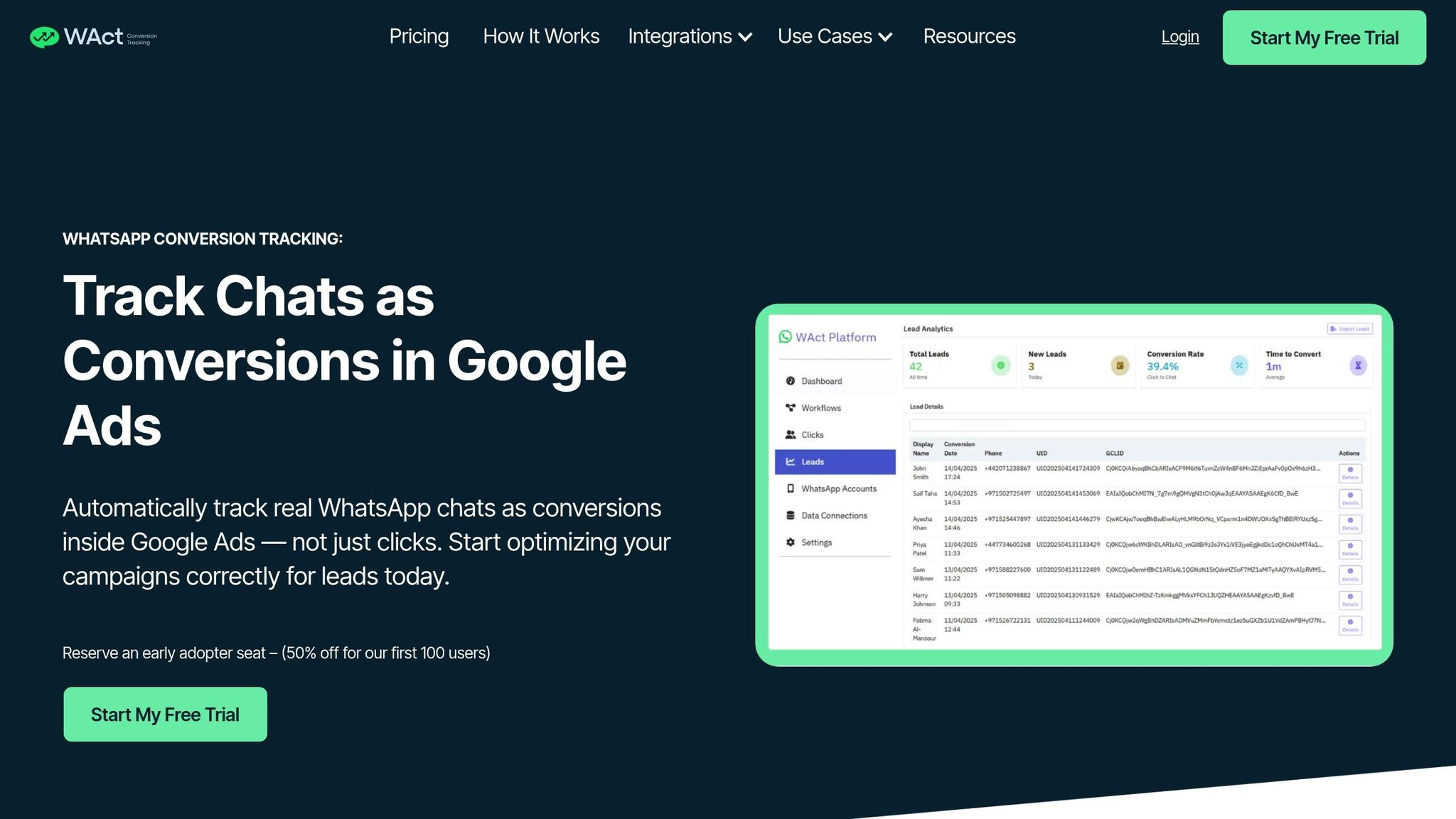
When paired with WhatsApp conversion tracking, TTCLID becomes a game-changer. Here’s how it works: when someone clicks on a TikTok ad, the TTCLID is added to the landing page URL. Tools like WAConversionTracking then capture this unique ID and connect it to actions such as starting a WhatsApp chat.
By using server-to-server integration, this process bypasses the limitations of browser-based tracking, which can be disrupted by ad blockers. Instead, WAConversionTracking securely stores the TTCLID and sends conversion data directly to platforms via their Conversion APIs. This ensures accurate attribution, even if users block cookies or switch devices.
For businesses in the UAE, where WhatsApp is a key sales channel, this creates a seamless attribution loop. Tools like WAConversionTracking capture both TTCLID and GCLID in a single URL, enabling WhatsApp chat conversions to be sent to Google Ads. This provides Google's smart bidding algorithms with stronger conversion signals than just tracking button clicks.
Cross-Platform Attribution with TTCLID and UTM Parameters
TTCLID also works alongside UTM parameters to enable cross-platform attribution. While TTCLID focuses on TikTok’s internal tracking and optimisation, UTM parameters allow tools like Google Analytics to categorise traffic sources effectively.
Here’s an example URL structure:
example.com/?ttclid=**CLICKID**&gclid=xyz123&utm_source=tiktok&utm_medium=cpc&utm_campaign=summer_sale.
This setup tracks a user’s journey across platforms - from discovering your ad on TikTok to completing a Google-tracked conversion. It ensures that each system maintains accurate attribution, offering a full picture of multi-channel performance.
"TikTok says that when advertisers share a triggered web event via the Pixel or Events API with TikTok and the event has a click ID - TikTok will match this up. Then that information can be used for audience-building, attribution, optimised ad delivery, measurement & more." - Justuno
To avoid clutter in Google Analytics, remember to add "ttclid" to the Exclude URL Query Parameter settings. Additionally, use TikTok’s CLICKID macro in your destination URLs to ensure the platform automatically generates unique IDs for every click. This keeps your tracking streamlined and effective.
Conclusion
TTCLID plays a key role in ensuring accurate attribution for TikTok advertising. With its 30-day validity, it links clicks to conversions that happen later, helping campaign reports in TikTok Ads Manager reflect conversion data more precisely. Without TTCLID, you risk missing out on a clear view of your ROI, as conversions may not be properly attributed.
Every successfully matched conversion also helps TikTok's algorithm improve, fine-tuning ad delivery and bidding to secure better placements.
For businesses in the UAE relying on WhatsApp as a conversion channel, pairing TTCLID with WAConversionTracking creates a smooth attribution process that captures the entire customer journey. Start by confirming your TTCLID setup through TikTok Ads Manager's Preview tool, ensuring your server captures the parameter. Additionally, implement Server-to-Server tracking to overcome ad blockers. By setting up TTCLID correctly, you’ll gain insights into which TikTok campaigns drive meaningful results for your business.
FAQs
Do I need TTCLID if I already use UTM tags?
If you're already using UTM tags, you might not need TTCLID for platforms like Google Analytics since UTM parameters already ensure precise campaign attribution. However, TTCLID serves as TikTok's internal tracking mechanism and works alongside UTM tags to refine tracking accuracy and attribution. Combining both can enhance your TikTok ad performance and offer more detailed insights into your campaigns.
How do I keep TTCLID working across multiple visits or sessions?
To make sure TTCLID functions seamlessly across multiple visits or sessions, you can either use server-side tracking or set up persistent URL parameters. When configured properly, TTCLID as a URL parameter remains intact throughout sessions, enabling consistent attribution.
How can I attribute WhatsApp leads to TikTok ads using TTCLID?
To track WhatsApp leads from TikTok ads, you can use the ttclid parameter. When someone clicks on a TikTok ad, this parameter is passed along, allowing you to map and monitor it through your chosen attribution tools or analytics setup. While TikTok doesn’t offer direct tracking of WhatsApp leads, using ttclid can help you refine your tracking efforts and measure campaign outcomes more effectively.




