


Running TikTok ads without proper conversion tracking is like driving blind - you’re spending money but have no idea what’s working. For UAE businesses, where 98% of the population is active on social media and TikTok users spend 95 minutes daily on the platform, tracking conversions is essential to optimise campaigns and reduce costs.
Here’s what you need to know:
- TikTok Pixel: Tracks user actions on your website like purchases or form submissions. It’s easy to set up and works well for browser-based tracking.
- Events API: A server-side tracking tool that bypasses browser issues like ad blockers, ensuring more reliable data for high-value conversions.
- Advanced Matching: Automatically captures and hashes customer data (emails, phone numbers) for better targeting and reporting.
- WAConversionTracking: Ideal for UAE businesses using WhatsApp for leads, this tool tracks conversations and connects them to TikTok campaigns.
Combining TikTok Pixel and Events API can boost conversions by 19% and cut costs by 15%. Pair this with detailed attribution windows (e.g., 7-day click, 1-day view) and tools like TikTok Pixel Helper to ensure accurate data. Start tracking now to improve ROI and outpace the competition in 2026.
What is TikTok Pixel and How Does It Work?
TikTok Pixel Explained
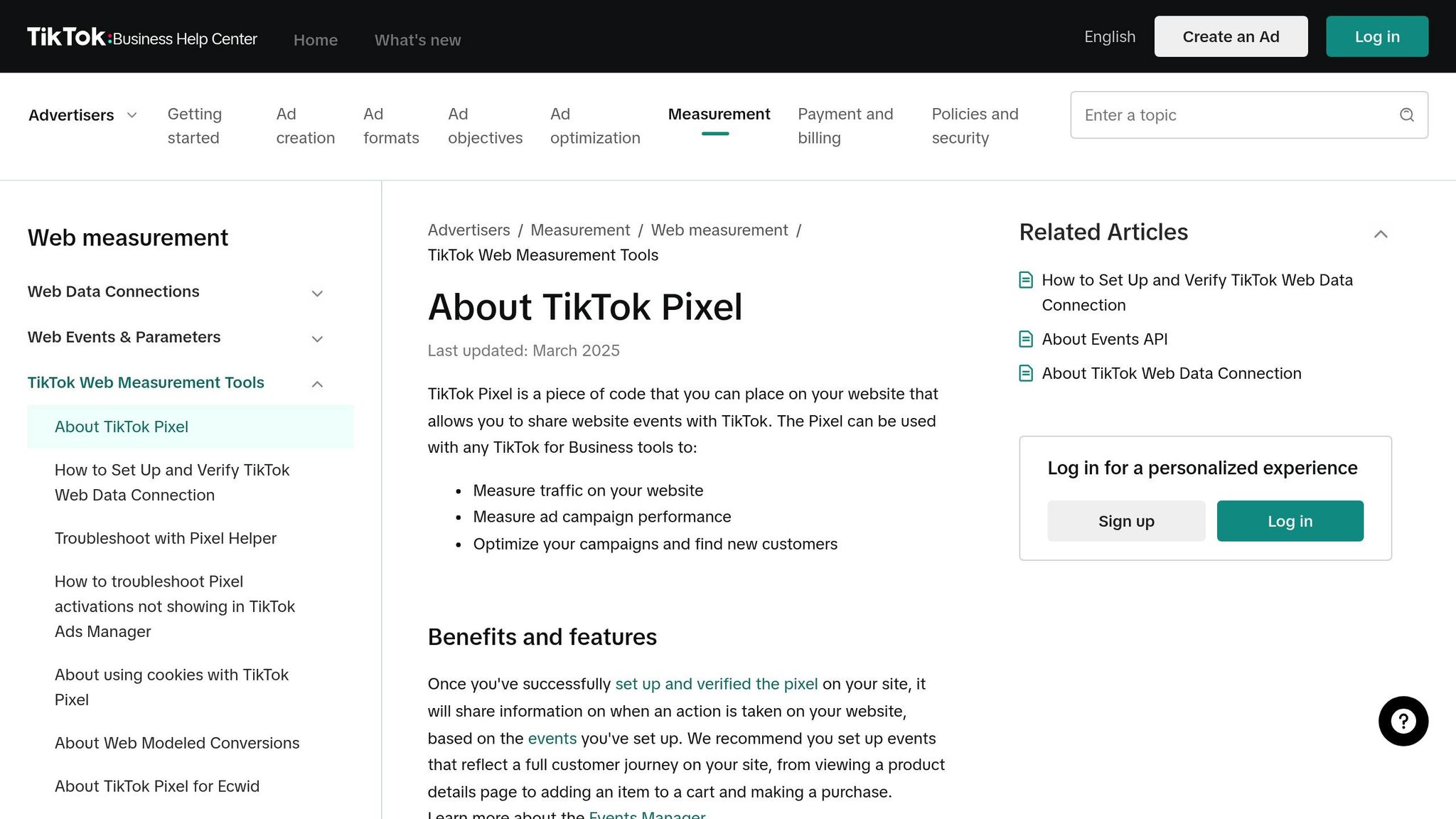
TikTok Pixel is a small piece of JavaScript code you add to your website to track what visitors do after interacting with your TikTok ads. It follows the entire customer journey - from landing on your site to completing a purchase or submitting a form.
This tool collects data like IP addresses, timestamps, user agents, and cookies through browsers such as Chrome and Safari. The information is then sent to TikTok Ads Manager, where it’s used for analysing performance, refining campaigns, and building custom audiences.
TikTok Pixel captures a range of user actions, from button clicks like "Add to Cart" or "Submit Form" to visits to specific URLs, such as thank-you pages. If you’re not familiar with coding, TikTok’s Event Builder tool makes it easier to set up tracking without needing to modify the code manually.
| Data Type Collected | Description |
|---|---|
| Ad/Event Info | Tracks details about the ad click or triggered event. |
| Timestamp | Records the exact time of the action (e.g., purchase time). |
| IP Address | Pinpoints the user’s geographic location. |
| User Agent | Identifies the device type, operating system, and browser. |
| Cookies | Includes both first-party and third-party cookies for targeting and optimisation. |
This tool doesn’t just track conversions; it lays the groundwork for more advanced tracking options, which we’ll explore later.
Why UAE Marketers Need TikTok Pixel
For marketers in the UAE, TikTok Pixel is crucial in understanding one of the most diverse consumer landscapes in the world. With over 200 nationalities calling the UAE home, the ability to track and analyse how different groups engage with your content is invaluable. The Pixel’s use of IP addresses for geographic tracking allows you to measure campaign performance across various emirates and customise your strategy accordingly.
The data speaks for itself: 98% of the UAE’s population is active on social media, and 87% of users say content from small and medium enterprises influences their buying decisions. TikTok Pixel ensures you don’t miss out on these key insights, helping you optimise campaigns for maximum impact.
"As TikTok continues to redefine how brands connect with audiences across the UAE and wider MENA region, working with a culturally fluent, performance-driven TikTok ads agency is no longer optional - it is essential."
– Saeed Shaik, E-commerce Strategist
TikTok Pixel also supports the growing demand for Arabic content across the MENA region. Whether you’re experimenting with Khaleeji humour, highlighting Emirati lifestyles, or crafting Ramadan-inspired stories, the Pixel helps identify what resonates most with your audience. This is especially important for luxury brands in Dubai, where younger, affluent consumers are highly active on TikTok. By tracking high-value conversions, the Pixel provides the data needed to justify ad spending.
Installing the Pixel early is key to building historical data for retargeting and audience creation. To ensure it’s working properly, use the TikTok Pixel Helper Chrome extension. For an extra layer of accuracy, consider pairing it with the Events API for server-side tracking, which can bypass ad blockers and browser restrictions.
sbb-itb-0a82e4d
Tracking conversions with Tiktok Events API and GTM (2026) | Tiktok Conversions API
How to Set Up TikTok Pixel
Getting the TikTok Pixel installed correctly is key to tracking your customer journey and improving ad performance - especially for businesses in the UAE. Whether you’re creating the Pixel through TikTok Ads Manager, using Google Tag Manager, or installing it manually, here’s how to get started.
Creating Your TikTok Pixel in Ads Manager
Start by logging into TikTok Ads Manager. Navigate to Tools > Events Manager, then click Get Started or Connect data source. Select Web as your data source. When naming your Pixel, keep it under 128 characters.
Once created, copy the Pixel's base code and place it in the HTML <head> section of every webpage. To ensure everything is working, use the TikTok Pixel Helper to verify the installation and test events by scanning the QR code with the TikTok app. Keep in mind, changes made via the Event Builder may take up to 30 minutes to reflect.
Installing TikTok Pixel with Google Tag Manager
For a simpler, code-free option, Google Tag Manager (GTM) is a great choice. Make sure you have an active GTM account with access to Publish, Approve, Edit, and Read permissions.
In TikTok Events Manager, go to Data sources, select your Pixel, and click on Settings. Under Partner Platform, choose Google Tag Manager. Opt for Client-side tagging, log in to your Google account, and select the relevant GTM Account, Container, and Workspace.
You’ll have two event setup options: the TikTok Event Builder (a visual, no-code tool) or GTM data layer APIs (ideal if your site already uses a data layer). After publishing your changes, refresh your website to activate the Pixel immediately.
| Installation Method | Technical Level | Best For |
|---|---|---|
| Manual Code | Intermediate | Websites with direct HTML access |
| Google Tag Manager | Intermediate | GTM users managing multiple tracking tags |
| Partner Integration | Beginner | Platforms like Shopify or WooCommerce |
| Events API | Advanced | Server-side tracking to bypass browser issues |
Manual TikTok Pixel Installation
For manual setup, copy the base code from Events Manager and paste it into the HTML <head> section of each page. This allows you to track key actions, from viewing product details to completing purchases.
You can use the Event Builder to define conversion events such as Button Clicks (e.g., "Add to Cart") or URL Visits (e.g., pages containing "thankyou").
Before starting, ensure no sensitive data - like Social Security numbers or financial information - is being collected. If using Manual Advanced Matching, hash customer identifiers (emails, phone numbers) before sending them to TikTok. Switching to a partner integration like Shopify? Remove any old manual code to avoid double-counting conversions.
For businesses in the UAE, standardising parameters like content_id, value, and currency (set to AED) is essential. This consistency supports dynamic ad delivery and accurate reporting. TikTok also suggests pairing the Pixel with the Events API for more reliable tracking, as server-side methods can capture events missed by browsers.
Setting Up Conversion Events
After installing your Pixel, the next step is configuring conversion events - these are the specific actions you want to track on your website. These events help TikTok understand the customer behaviours most relevant to your business, like completing a purchase, filling out a lead form, or clicking a WhatsApp button.
Standard TikTok Conversion Events
TikTok provides predefined events, such as Purchase, AddToCart, Contact, and SubmitForm. These are integrated into TikTok's reporting system to help with conversion tracking and audience creation. For businesses in the UAE, some of the most common events include:
- ViewContent: Tracks visits to product or landing pages.
- Contact: Tracks clicks on WhatsApp or "Call Us" buttons.
- SubmitForm: Tracks the completion of lead generation forms.
- Purchase: Tracks completed transactions.
You can set up these events through partner integrations (like Shopify or Google Tag Manager), by adding custom code, or using TikTok's Event Builder, which simplifies tracking setup without requiring coding. The Event Builder allows you to track actions by clicking elements on your site or specifying keywords in URLs, such as "thank-you" or "success."
| Standard Event | Business Use Case | Recommended Parameters |
|---|---|---|
| ViewContent | Tracks visits to product or landing pages | content_type, content_ids |
| Contact | Tracks clicks on WhatsApp or "Call Us" links | None required |
| SubmitForm | Tracks lead form completions | None required |
| AddToCart | Tracks when items are added to the shopping cart | value, currency (AED), content_ids |
| Purchase | Tracks successful transactions or order completions | value, currency (AED), content_ids, quantity |
For accurate reporting, always include parameters like value, currency (AED), content ID, and content type. For lead generation campaigns, you can trigger a SubmitForm or CompleteRegistration event via a thank-you page URL. Similarly, map WhatsApp leads to Contact or SubmitForm events. Use tools like the TikTok Pixel Helper or the Test Events tab to confirm events are firing correctly before going live.
If your business needs to track actions beyond TikTok's standard events, you can create custom events for more specific insights.
Creating Custom Events for UAE Businesses
Custom events allow you to track unique actions that aren't covered by TikTok's standard options. While these events can't be used for campaign optimisation, they provide valuable data for reporting and audience segmentation. Custom event names must be less than 50 characters, start with a letter, and only include alphanumeric characters, underscores, or dashes.
For businesses in the UAE, common custom events might include tracking WhatsApp leads, profile visits, or interactions with bilingual content (Arabic/English). These events can be set up through TikTok's no-code Event Builder or by adding custom code, such as ttq.track('custom_event_name'). When setting parameters, ensure the currency is set to AED to reflect ROI accurately. For bilingual stores, stick to consistent English naming conventions for events to avoid fragmented reporting.
"TikTok's audience in the UAE is large, engaged, and primed for interaction... It's not just Gen Z - it's millennials, young parents, lifestyle creators, and digitally savvy shoppers." - Octopus Marketing Agency
TikTok's Gulf audience is highly engaged, with 53% of users using the platform to discover new brands or products. The UAE's average TikTok engagement rate is 5.3%, which is nearly double Instagram's. However, avoid using names like AddToCart, CompletePayment, or Download for custom events, as TikTok may automatically map these to standard events, causing data conflicts. Note that changes made in the Event Builder can take up to 30 minutes to reflect in Ads Manager.
Once custom events are in place, you can further improve tracking accuracy by enabling automatic advanced matching.
Turning On Automatic Advanced Matching
Automatic Advanced Matching enhances tracking by capturing customer identifiers like email addresses or phone numbers automatically. This feature helps TikTok connect website events with user profiles more effectively, offering a clearer view of ROI and improving ad targeting.
The Pixel collects customer data during actions like registration, sign-ins, or checkouts without requiring additional coding for individual fields. All personal data is hashed using the SHA-256 algorithm directly in the user's browser and sent securely to TikTok via HTTPS. To enable this, simply toggle the feature on in the Events Manager settings - no coding required.
For the best results, use both manual and automatic advanced matching in tandem. Pair these with first-party cookies in Events Manager to ensure optimal performance and better data signals. Install the Pixel on key pages like login, registration, guest checkout, and newsletter sign-ups. Use the TikTok Pixel Helper or Test Events tab to verify that hashed data is being sent correctly.
Using TikTok Events API for Server-Side Tracking

TikTok Pixel vs Events API: Complete Comparison for UAE Marketers
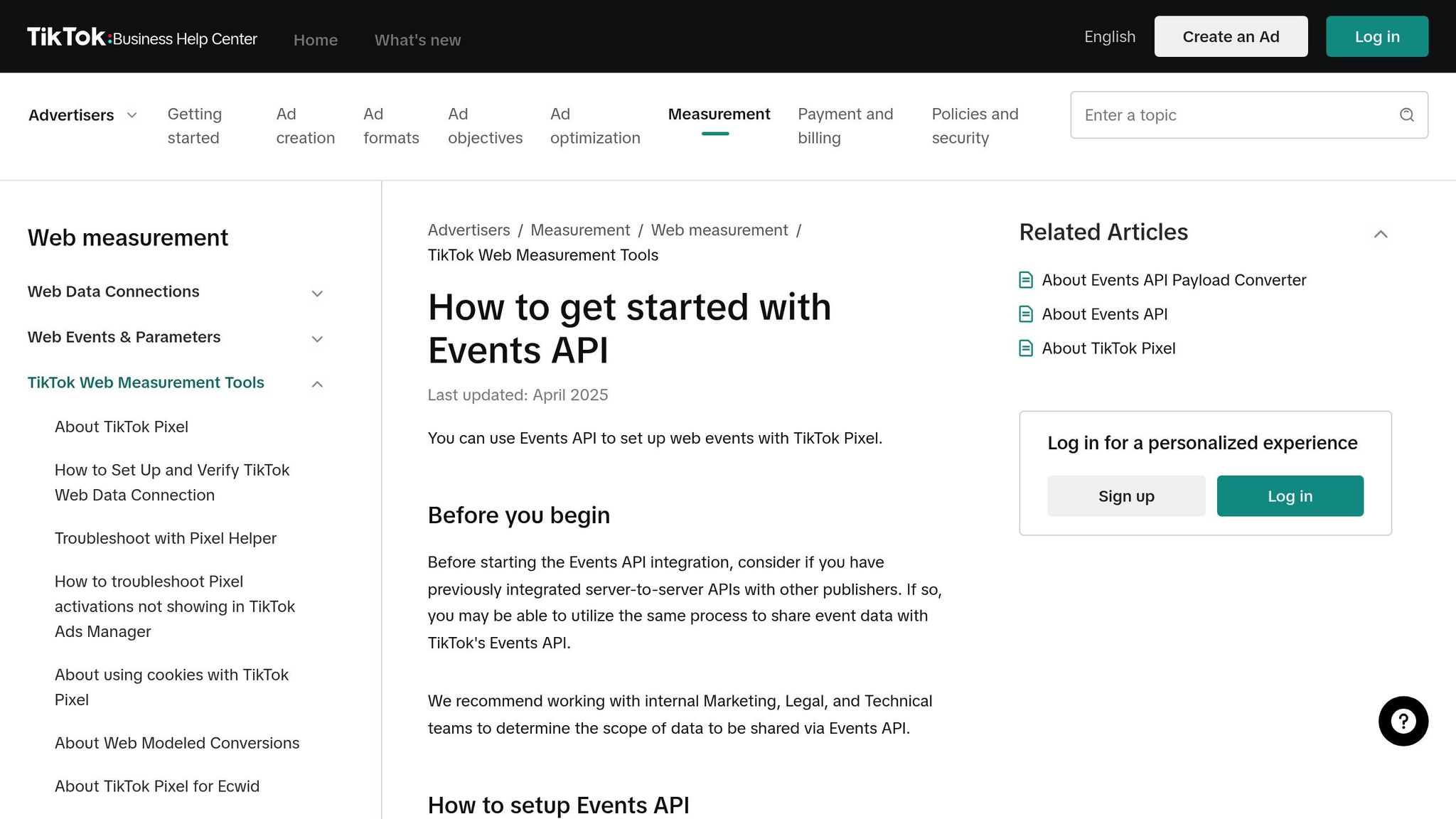
Building on the foundation of your Pixel setup, the TikTok Events API offers a server-to-server tracking method that bypasses browser-based limitations. This approach creates a direct link between your marketing data and TikTok, making it especially useful for UAE businesses facing challenges like ad blockers or privacy restrictions that can disrupt traditional pixel tracking.
This section provides an advanced alternative for tracking conversion events. With the Events API, conversion data is sent directly from your server, CRM, or app to TikTok's platform. Because it operates server-side, it avoids browser-related issues. For businesses in the UAE - particularly those tracking high-value conversions like property enquiries or luxury purchases - this reliability can be a game-changer.
TikTok Events API vs Pixel Comparison
Choosing the right tracking method depends on your needs. While the Pixel is easy to set up, the Events API provides more reliability and control over your data.
| Feature | TikTok Pixel | TikTok Events API |
|---|---|---|
| Data Source | Web Browser (Client-side) | Server, CRM, or App (Server-side) |
| Setup Difficulty | Low (Easy to implement) | Moderate/High (Requires server configuration) |
| Reliability | Affected by ad blockers/browser issues | High; resistant to blockers and privacy changes |
| Data Control | Limited by browser environment | High; you control the data being sent |
| Best Use Case | Standard web tracking | Web-to-App, CRM leads, and offline conversions |
Combining both methods can boost performance. Advertisers using both report 19% more incremental conversions and a 15% improvement in cost per acquisition. This dual approach ensures a backup system - if one method fails, the other picks up the slack.
How to Set Up Server-Side Tracking
Setting up the Events API requires more technical effort, but the benefits in data accuracy are worth it. Start by generating an API Access Token in TikTok Ads Manager under Assets > Web Events > Settings.
For UAE businesses using Google Tag Manager (GTM), you'll need both a web container and a server container, typically hosted on Google Cloud Platform. To simplify the process, use the official TikTok Events API tag from the GTM Template Gallery. This tag automates much of the technical configuration.
To ensure proper tracking, configure your Pixel ID, API Access Token, and hashed Match Keys for user identification. Always hash sensitive information using SHA256 before sending it to TikTok to comply with UAE data protection laws.
Before launching campaigns, use the Test Events tab in TikTok Events Manager to confirm that your server-side events are being received correctly in real time.
Using Pixel and API Together
The most reliable tracking setup involves using both methods simultaneously. TikTok recommends this dual approach to maximise event coverage and provide a fallback in case one method encounters issues. When combined with Advanced Matching, this setup can lead to a 103% increase in conversion rates.
The main challenge here is deduplication - ensuring TikTok doesn’t count the same conversion twice. To address this, pass a consistent event_id parameter for every overlapping event tracked by both the Pixel and the Events API. TikTok automatically deduplicates identical events that arrive within a 48-hour window, merging them if they arrive more than five minutes apart.
If you're using TikTok's interactive setup flow in Events Manager with GTM, the event_id variable is configured automatically. For manual setups, create a "Unique Event ID" variable template for both your web and server containers. Use the TikTok Pixel Helper Chrome extension and the Test Events feature to verify that both signals are firing and deduplicating correctly.
Deduplication is only necessary for overlapping events. If you split events - for instance, tracking AddToCart via Pixel and Purchase via API - deduplication isn’t required.
Improving ROI with Better Conversion Tracking
Once you’ve set up TikTok conversion tracking, the next step is refining how you measure and attribute conversions. This is key to improving ROI. Many UAE marketers relying on GA4 data to evaluate TikTok performance could be missing 40–50% of actual conversions due to cross-device behaviour and browser limitations. GA4 often falls short when it comes to tracking conversions across devices.
"If you are judging your TikTok ad performance solely by what Google Analytics (GA4) tells you, you are likely pausing your best campaigns." – Editorial Staff, TikAdTools
The answer lies in leveraging TikTok's native tracking, which provides a more complete picture of the customer journey across devices and sessions. This is especially important in the UAE, where consumers often take their time researching high-value purchases like electronics, furniture, or luxury goods before buying. By fine-tuning attribution models and focusing on the right metrics, you can gain deeper insights into ROI.
Selecting Attribution Windows
Attribution windows define the period during which TikTok credits a conversion to your ad after an interaction. TikTok’s default setting is 7-Day Click and 1-Day View, but this doesn’t fit every business model. Your choice of attribution window should reflect your customer’s buying behaviour, not just default settings.
For low-cost, impulse purchases under AED 183 (about $50), the 7-Day Click / 1-Day View window works well because it captures quick “buy later today” decisions common in e-commerce. On the other hand, for more expensive items above AED 734 (around $200), a 28-Day Click / 7-Day Engagement window is better suited to account for the extended research period. These insights align with UAE consumer habits, where high-ticket purchases often involve careful consideration.
TikTok’s "Time to Conversion" tool can help you optimise attribution windows and adjust retargeting strategies. For example, turning off view-through attribution for users already in your funnel can prevent over-crediting.
| Business Type | Recommended Window | Rationale |
|---|---|---|
| Impulse E-commerce (<AED 183) | 7-Day Click / 1-Day View | Captures quick purchase decisions |
| High-Ticket (AED 734+) | 28-Day Click / 7-Day Engagement | Accounts for longer research cycles |
| Retargeting Campaigns | 7-Day Click / VTA OFF | Avoids over-crediting for users already in the funnel |
While attribution windows help capture the customer journey, tracking the right metrics ensures you can identify areas for improvement.
Key Metrics to Track
It’s essential to monitor both creative and financial performance metrics. Creative health metrics like Thumbstop Rate and Hold Rate can provide insights into how well your ads are grabbing attention. The average Click-Through Rate (CTR) for TikTok ads is about 0.84%, but top-performing In-Feed ads often achieve rates between 1.5% and 3%. If your CTR is below this range, it may be time to tweak your creative hook.
Conversion Rate (CVR) averages around 2.5% on TikTok, though strong e-commerce campaigns can hit 5% to 10%. TikTok Shop conversions (3.0%–6.0%) tend to outperform external platforms like Shopify (1.5%–3.5%) due to smoother checkout processes. For UAE businesses, this highlights the advantage of keeping transactions within TikTok’s ecosystem.
Cost metrics are equally crucial. On average, Cost Per Click (CPC) ranges from AED 0.73 to AED 3.63, while Cost Per Acquisition (CPA) for e-commerce typically falls between AED 36.70 and AED 110.10. Lead generation campaigns tend to have higher CPAs, ranging from AED 73.40 to AED 183.50. Regularly compare these figures to your profit margins to ensure sustainable growth.
| Metric | UAE Benchmark (AED) | What It Means |
|---|---|---|
| CPC (Cost Per Click) | 0.73 - 3.63 | Cost for each click on your ad |
| CPA (E-commerce) | 36.70 - 110.10 | Cost to acquire one paying customer |
| CPA (Lead Gen) | 73.40 - 183.50 | Cost to acquire one qualified lead |
| CPM (Cost Per 1,000 Views) | 11.78 | Cost to show your ad 1,000 times |
| CPV (6-second view) | 0.37 - 1.10 | Cost for one 6-second engaged view |
When it comes to creative performance, aim for a Thumbstop Rate (percentage of users watching the first 3 seconds) above 25%, with exceptional campaigns exceeding 35%. Similarly, a Hold Rate (percentage of viewers watching at least 6 seconds) above 10% is a good benchmark. Be cautious of ad fatigue - if your weekly Frequency exceeds 3.0, it may be time to refresh your content, as TikTok users generally have a lower tolerance for repeated ads.
To streamline your analysis, set up your Ads Manager columns in the following order: Spend > CPM > CTR > Thumbstop Rate > Engagement Rate > CPC > Add to Cart > Complete Payment > CPA > ROAS. This arrangement makes it easier to spot where potential customers are dropping off in the funnel.
WAConversionTracking: Tracking WhatsApp Leads from TikTok Ads
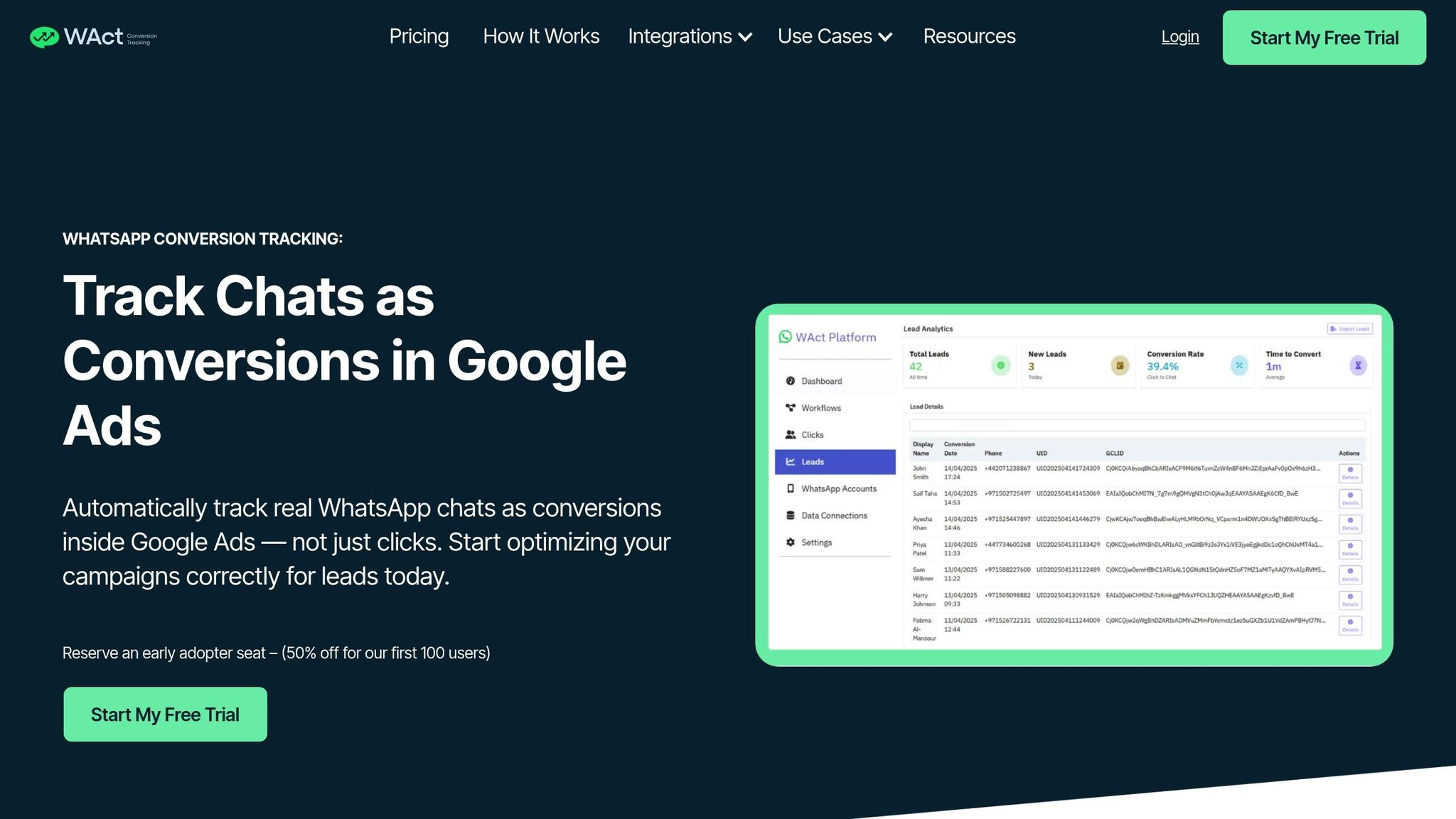
WAConversionTracking addresses a common challenge for businesses in the UAE: tracking leads that move from TikTok ads to WhatsApp. Many TikTok users in the region prefer WhatsApp over traditional web forms, especially in industries like real estate, healthcare, and education, where detailed conversations often precede a decision.
"In the UAE, many buying journeys start on Instagram or Facebook and move quickly into chat. Customers want to ask questions, confirm details... WhatsApp is the natural place for that." – Viral Agency
This is where WAConversionTracking steps in. Unlike basic tracking tools that only record clicks, WAConversionTracking captures the full journey inside WhatsApp. It tags each lead with details about the campaign, ad set, and creative that brought them in, enabling smarter optimisation by focusing on actual buyers instead of just clicks.
What is WAConversionTracking?
WAConversionTracking is a SaaS tool designed to track WhatsApp leads as conversions and relay that data back to ad platforms. It monitors key actions like CompletePayment, SubmitForm, and Schedule. By capturing UTM parameters and metadata, it identifies which campaign or creative drove the lead. Importantly, it uses the SHA256 algorithm to hash sensitive data like phone numbers before securely transmitting it to TikTok via its Conversions API.
For businesses in Dubai, WhatsApp-driven campaigns typically require a monthly budget ranging from AED 3,000 to AED 10,000.
Connecting WAConversionTracking to TikTok Ads
Setting up WAConversionTracking with TikTok is a straightforward process. Start by linking your TikTok Business and Ad Accounts to the platform. Then, create a Message Event Set for each WhatsApp number used in your campaigns. This event set will serve as the destination for your conversion data in TikTok Events Manager.
When setting up your TikTok campaign, choose the "Lead Generation" objective and set "Instant Messaging Apps" as the optimisation location. Use "Conversations" as your optimisation goal instead of "Clicks" to help TikTok's algorithm target users more likely to engage in a chat. Before launching, scan a QR code in TikTok Ads Manager to ensure the WhatsApp deep link works correctly. Additionally, enable Dayparting to run ads during times when your team is available to respond promptly - critical in the UAE, where quick replies can make or break a lead.
Once your campaign is live, WAConversionTracking automatically captures WhatsApp conversations and sends the data back to TikTok. This feedback loop allows TikTok's algorithm to optimise for higher-value leads over time.
WAConversionTracking vs TikTok Native Tracking
The table below outlines the differences between WAConversionTracking and TikTok's built-in tracking, focusing on their capabilities for WhatsApp lead generation:
| Feature | TikTok Native Tracking | WAConversionTracking |
|---|---|---|
| Primary Metric | Clicks / Start of Conversation | Lower-funnel events (e.g., Purchases, Qualified Leads) |
| Attribution | Limited to TikTok environment | Captures UTMs and specific Ad IDs |
| Data Flow | Browser-side (can be affected by ad blockers) | Server-side via the Events API |
| Lead Handling | Manual download from Ads Manager | Automatic upload to CRM or Google Sheets |
| Optimisation | Focuses on "Clickers" | Focuses on "Buyers" via CAPI |
| UAE Localisation | Global settings | Customised for WhatsApp-first buying journeys in the UAE |
"Leveraging the TikTok Events API helps businesses to future-proof and adapt to the changing advertising ecosystem, by allowing friction-free marketing data flows." – AnyTrack
For businesses aiming to maximise results from TikTok ads that drive WhatsApp leads, WAConversionTracking offers the tools needed to track, analyse, and optimise campaigns for meaningful outcomes.
Fixing Common TikTok Conversion Tracking Problems
Conversion tracking on TikTok can sometimes feel like a puzzle, with data discrepancies being one of the most common challenges. For example, TikTok Ads Manager uses a multi-session attribution model, which tracks a conversion if a user clicks on your ad and completes the action within 24 hours. On the other hand, tools like Google Analytics often require the conversion to happen during the same session as the click. This fundamental difference can lead to noticeable gaps in reporting.
Another issue lies with TikTok's in-app browser, which blocks referral data. When users stay within TikTok's browser after clicking an ad, tools like Google Analytics may mislabel the traffic as "Organic" or "Direct" instead of attributing it to your TikTok campaign. To add to the confusion, time zone mismatches between TikTok Ads Manager and your analytics platform can shift conversion dates. Always ensure both platforms are synced to UAE time (GST, UTC+4) to avoid these inconsistencies.
Low Event Match Quality (EMQ) is another frequent issue. To address this, enable both Manual and Automatic Advanced Matching. This approach allows TikTok to collect more identifiers - such as hashed email addresses and phone numbers - making it easier to link on-site actions to specific users. This step is especially important if you're using third-party payment platforms like PayPal or Apple Login, as they operate in iFrames, which can isolate customer data from TikTok's pixel.
Cedric Yarish from AdManage highlights the importance of combining tracking tools:
"Events API should work alongside your Pixel, not replace it... Server-side tracking catches conversions that browser-side tracking misses (ad blockers, iOS restrictions, etc.)." – Cedric Yarish
To ensure everything is functioning properly, use diagnostic tools. The TikTok Pixel Helper Chrome extension is great for identifying firing errors in real time. You can also use the Diagnostics tab in Events Manager to spot missing parameters or disabled first-party cookies. Keep in mind that TikTok's reporting may have a 24 to 48-hour delay. Avoid making optimisation decisions based on data that’s less than 48 hours old. Instead, rely on the "Real-time" columns in Ads Manager and compare this with tools that report by event date rather than ad interaction date.
Next Steps for TikTok Ad Success in 2026
Accurate tracking is the backbone of improving your return on investment (ROI). Start by implementing both TikTok Pixel and Events API. This combination can lead to a 19% boost in conversions and a 15% reduction in cost per acquisition (CPA). By using both systems, you can capture data that might otherwise be lost due to ad blockers or iOS privacy updates.
Once tracking is in place, focus on enhancing data capture with advanced matching. Activate both Manual and Automatic Advanced Matching through your Events Manager. This step can improve conversion rates by as much as 103%. To maximise these results, enable first-party cookies in your Pixel settings.
Set up full-funnel tracking to monitor key actions like View Content, Add to Cart, Initiate Checkout, and Purchase. Include detailed parameters such as value, currency (AED), content_id, and event_id. TikTok suggests achieving at least 50 conversions per ad group per week to exit the learning phase. If you're struggling to meet this benchmark, consider optimising for intermediate actions like Add to Cart or Initiate Checkout instead.
For businesses in the UAE, integrating WAConversionTracking is a game-changer. This tool allows you to track leads generated through WhatsApp, from TikTok impressions all the way to conversations. By doing so, you can help TikTok's algorithm better target users who are likely to engage via direct messaging. Stick to TikTok's recommended attribution windows: 7-day click-through and 1-day view-through, or extend to 28-day click-through for products priced over AED 735.
Once all these systems are in place, the next step is to ensure everything is running smoothly. Use TikTok Pixel Helper and the Diagnostics tab in Events Manager to verify that event tracking is accurate. Before scaling your campaigns, refresh your creative assets weekly to prevent ad fatigue. Keep in mind that TikTok's reporting has a 24- to 48-hour delay, so wait at least 48 hours before making any optimisation decisions.
FAQs
Do I need TikTok Pixel, Events API, or both?
To track conversions effectively and reliably, you’ll need both the TikTok Pixel and the Events API. The TikTok Pixel captures browser-based events, while the Events API establishes a strong server-side connection. Together, they improve data accuracy and ensure consistent tracking.
How do I stop double-counting when Pixel and Events API overlap?
To avoid double-counting when using both the Pixel and Events API, ensure you share the same event through both methods and include an Event ID parameter. TikTok will automatically identify duplicates within a 48-hour period and only retain the first event received.
How can I track WhatsApp leads as TikTok conversions?
To track WhatsApp leads as TikTok conversions, you can use tools like the TikTok Pixel or the Events API. Start by setting up a conversion event on your website to monitor interactions with the WhatsApp contact button. For actions that happen off-site, you can implement server-to-server tracking with TikTok’s Conversion API. This allows your backend to send lead data - such as phone numbers and timestamps - directly to TikTok, ensuring precise attribution and better ad optimisation.




