


Running Facebook Ads in 2026 without proper conversion tracking is like throwing money into the wind. With browser-based tracking losing 40–60% of data due to privacy updates, relying solely on the Meta Pixel isn’t enough anymore. Instead, you need a dual setup: the Meta Pixel for browser-side tracking and the Conversions API (CAPI) for server-side tracking. This combination recovers up to 40% of lost data, boosting ad performance by 20–30%.
For UAE businesses, especially those using WhatsApp for lead generation, this approach is critical. Traditional tracking misses key WhatsApp interactions like purchases or lead submissions. Tools like WAConversionTracking solve this by capturing WhatsApp chat data and linking it back to Meta, ensuring you optimise campaigns for real results - not just clicks.
Key Takeaways:
- Dual Tracking Setup: Combine Meta Pixel and CAPI to fill data gaps.
- WhatsApp Conversion Tracking: Use WAConversionTracking to track chat-driven conversions.
- Improve Attribution: Send hashed data like emails and phone numbers to boost Event Match Quality (EMQ) scores.
- Timely Data: Share events within an hour to avoid attribution issues.
- Optimisation: Use conversion data to refine targeting, creatives, and budgets.
This guide walks you through the setup, from installing the Meta Pixel to using WAConversionTracking for WhatsApp campaigns, ensuring your ad spend delivers measurable results in 2026.
How to Track Events & Custom Conversions with Meta Pixel
sbb-itb-0a82e4d
How to Set Up Conversion Tracking in Facebook Ads Manager
In 2026, setting up conversion tracking requires a combination of browser-side tracking (Meta Pixel) and server-side tracking (Conversions API). This dual approach ensures you capture data that might otherwise be lost due to ad blockers, browser crashes, or connection issues.
The process begins in Meta Events Manager, where you'll select "Connect data", choose "Web", and name your pixel to generate a unique ID. From there, you'll need to install both tracking methods and configure them to work together. This involves sending the same events from both sources while avoiding duplicate counts.
Installing the Meta Pixel
Once you've started the setup in Meta Events Manager, the next step is installing the Meta Pixel to track visitor actions on your website.
The Meta Pixel is a small JavaScript code snippet that captures user interactions. You can install it in three ways: manually inserting the code, using partner integrations (e.g., Shopify or WordPress), or through the Conversions API Gateway, which combines Pixel and server-side tracking.
For manual installation, copy the base code from Events Manager and place it in the header of every page on your website. Make sure it’s in the persistent header so it runs before visitors leave the page.
After installation, configure your events. Use standard events like Purchase or AddToCart with the fbq('track') function. For unique actions, opt for custom events with fbq('trackCustom'). You can also create custom conversions in Events Manager based on specific URLs or parameters, without needing extra code. Keep in mind that each ad account is limited to 100 custom conversions.
To confirm the Pixel is working, use the Meta Pixel Helper Chrome extension. This tool helps you verify proper execution and troubleshoot any issues in real time. Additionally, enable Advanced Matching in your Pixel settings. This feature hashes user data (like email addresses or phone numbers) to improve the match rate between your website visitors and Meta accounts.
Setting Up the Conversions API
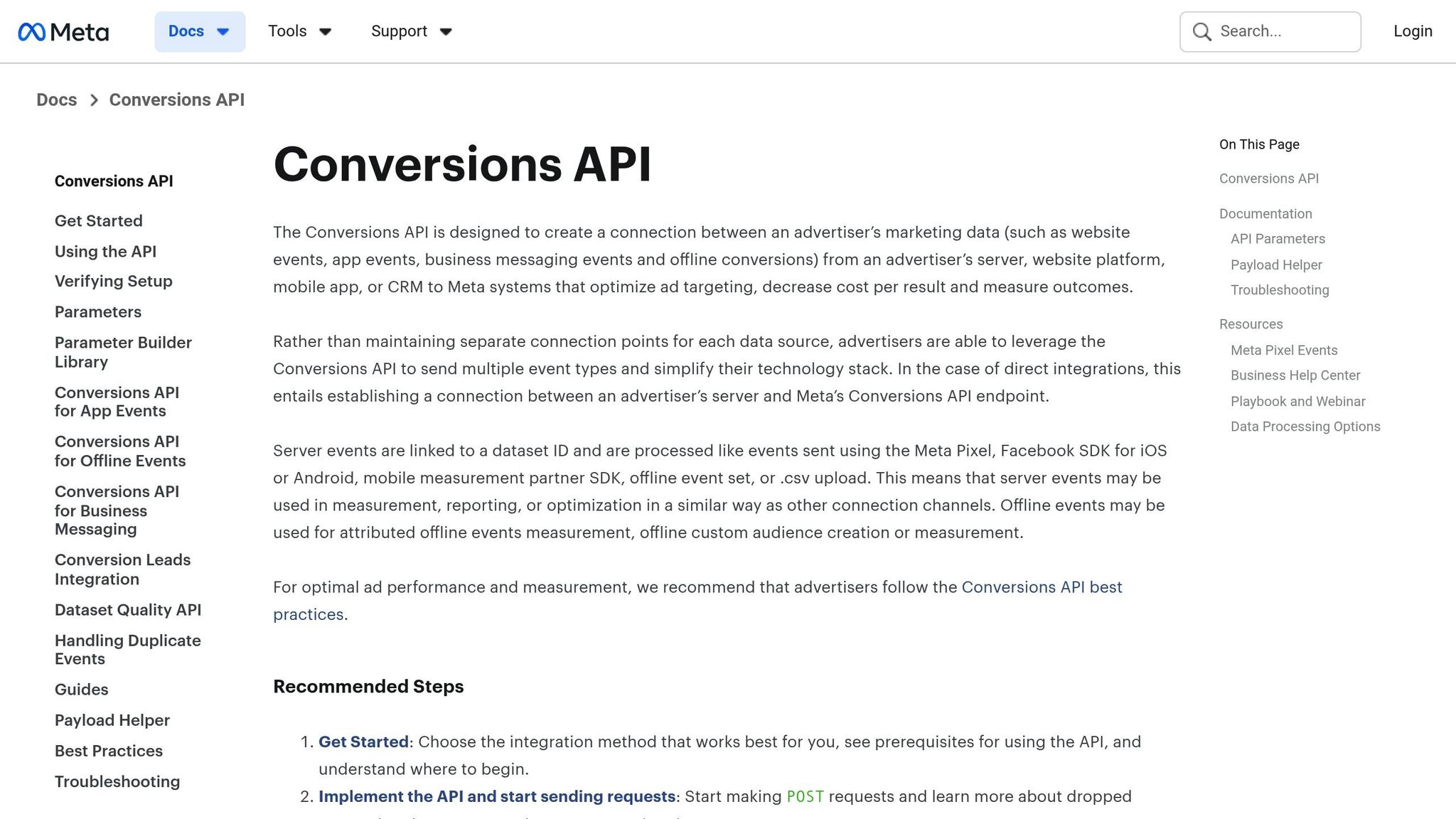
To complement the Pixel, set up the server-side Conversions API. This tool sends event data directly from your server to Meta, bypassing browser-related limitations.
For setup, you'll need your Meta Pixel ID, a Business Manager account, and a System User access token. Generate the token in Events Manager by selecting your Pixel, navigating to the "Settings" tab, and finding the Conversions API section. From there, click "Generate access token" and choose between Direct Integration (manual coding), Partner Integrations (e.g., Zapier or Google Tag Manager), or the Conversions API Gateway.
When sending events via the API, include these parameters: action_source (e.g., "website"), event_source_url (the URL where the event occurred), and client_user_agent (the visitor’s browser user agent). Events should be sent in real time or within one hour; delays longer than 24 hours can negatively affect attribution and optimisation.
Test your server-side setup using the Test Events tool in Events Manager. Use a test_event_code to ensure events are received before going live. To simplify tasks like hashing user data or managing requests, consider using Meta's Business SDKs.
Using Meta Pixel and Conversions API Together
Combining the Meta Pixel with the Conversions API provides a complete picture of your conversion data by filling in gaps caused by browser limitations.
This "redundant setup" allows the Pixel to track browser-based actions while the Conversions API captures server-side data, including offline events like CRM updates or phone call leads.
"Data sharing through the Conversions API may be more reliable than browser-based methods alone, like the Meta Pixel. The API is designed to be less susceptible to issues like a browser crash or connectivity problems." - Meta Developers
To avoid double-counting, both systems must send matching event_id and event_name for each event. Meta automatically discards duplicates if they are received within 48 hours. If event_id implementation is challenging, Meta can deduplicate events using the same external_id or fbp parameters from both sources.
Finally, check Events Manager to confirm events are being received from both "Browser" and "Server" sources. Ensure they’re being properly deduplicated. Your Event Match Quality (EMQ) score, which ranges from 1 to 10, shows how well customer data matches Meta accounts. To improve this score, include hashed parameters like email (em), IP address (client_ip_address), and phone number (ph).
Tracking WhatsApp Conversions with WAConversionTracking

WhatsApp Conversion Tracking Methods Comparison: Meta Pixel vs CAPI vs WAConversionTracking
The usual Meta Pixel and Conversions API setups are great for tracking website conversions, but they fall short when it comes to Click-to-WhatsApp ads. Why? Because they only track the initial ad click, leaving out the rest of the conversion journey when the conversation moves to WhatsApp.
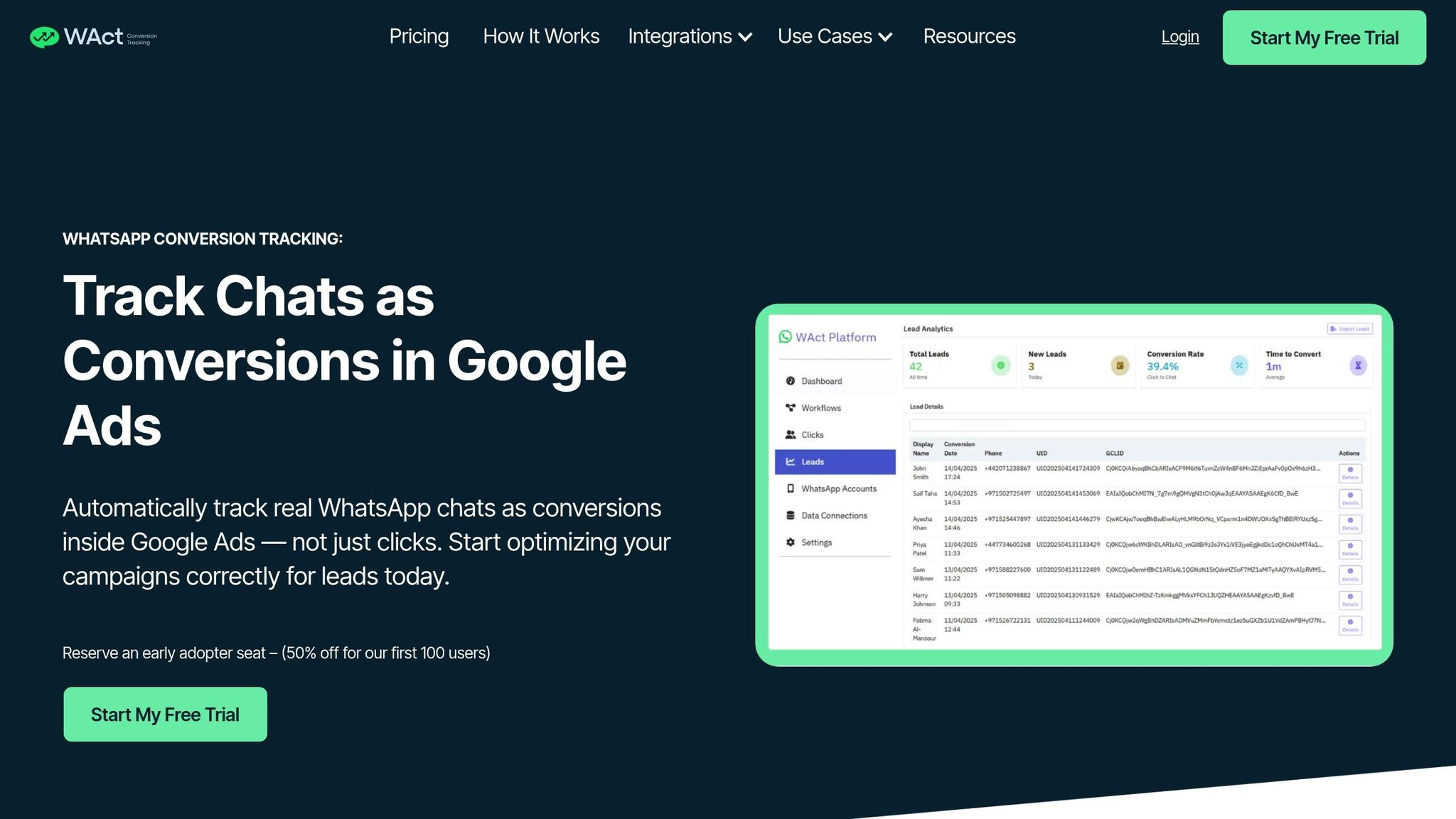
This is where WAConversionTracking steps in. It captures WhatsApp chat data and sends conversion events directly to Meta. By connecting the dots between the ad click and the actual conversion within WhatsApp, it gives you a clear picture of which campaigns are driving real business results.
This tool takes things a step further by combining website tracking with WhatsApp tracking. It ensures that interaction data is captured directly, giving you a complete and seamless view of your conversions.
How WAConversionTracking Works
WAConversionTracking uses Meta's Conversions API for Business Messaging to track WhatsApp interactions. Here’s how it works:
- When someone clicks on your Facebook ad to start a WhatsApp chat, Meta generates a unique identifier called the ctwa_clid (Click-to-WhatsApp Click ID). WAConversionTracking captures this ID along with other metadata like GCLID and UTM parameters from the ad click.
- As the conversation progresses, the system identifies conversion events such as purchases or lead submissions. These events (e.g., "Purchase" or "LeadSubmitted") are sent directly to Meta’s servers using your Dataset ID.
- This allows for optimisation of Click-to-WhatsApp ads, moving beyond just tracking conversation starts.
Attribution is based on the last interaction, whether it’s from a Marketing Message or a Click-to-WhatsApp ad. Conversion events are reported in real time or within an hour, ensuring timely data for accurate attribution and ad delivery optimisation.
Benefits of WAConversionTracking
WAConversionTracking solves the challenges of traditional tracking methods by offering accurate WhatsApp attribution and an easy setup process.
-
Accurate Attribution
Unlike standard tracking that stops at the ad click, WAConversionTracking captures WhatsApp chat interactions. It analyses real conversations, giving you deeper insights into which ads are driving results. -
Easy Setup
Setting up Meta’s Conversions API manually can be a headache - it involves developer skills, webhook configurations, and token management. WAConversionTracking simplifies this with a no-code solution. With just one click, you can generate tracking scripts and start collecting conversion data without needing technical expertise. -
Metadata Integration
The system automatically captures key metadata like GCLID and UTM parameters. This ensures every conversion is tied back to its specific campaign, feeding valuable data into Meta’s optimisation algorithms. This improves Smart Bidding strategies and helps reduce wasted ad spend. -
Improved Accuracy
By capturing data directly from interactions and processing it server-side, WAConversionTracking is more reliable than browser-based tracking."Data from the Conversions API is less impacted than the Meta Pixel by browser loading errors, connectivity issues and ad blockers." - Meta Business Help Centre
WAConversionTracking vs Standard Tracking Methods
Here’s a quick comparison of WAConversionTracking with other tracking methods:
| Feature | Meta Pixel (Standard) | Conversions API (CAPI) | WAConversionTracking |
|---|---|---|---|
| WhatsApp Attribution | Limited (tracks only ad clicks) | High (requires ctwa_clid retrieval) | High (captures chat metadata) |
| Setup Difficulty | Easy (copy-paste code) | High (needs developer expertise) | Simple (no-code setup) |
| Data Accuracy | Low | High (direct server connection) | High (real-time chat capture) |
| Metadata Support | Limited | Manual mapping required | Automatic (captures GCLID and UTMs) |
| Reliability | Susceptible to browser issues | High | High (real-time tracking) |
Without WAConversionTracking, tracking WhatsApp conversions involves manually sending POST requests to Meta’s Dataset API - a complex and time-consuming process. This solution simplifies everything, making it easier to track and optimise your Click-to-WhatsApp campaigns effectively.
How to Optimise Facebook Ad Campaigns with Conversion Data
Leverage conversion data to fine-tune your Facebook ad campaigns. By 2026, successful optimisation depends on using reliable data to guide every decision, from improving audience targeting to refining creative strategies.
Reading Conversion Data in Ads Manager
Start by customising your Ads Manager columns to include essential metrics like Cost per Result and key events such as Purchases or Leads.
The "Breakdown" menu is a powerful tool for segmenting conversion results. You can analyse data by delivery (e.g., age, gender, location, device), action (e.g., conversion device), or time (e.g., hourly, daily, weekly). This helps pinpoint which demographics or devices are delivering conversions at a better cost.
Custom conversions allow you to focus on high-value actions. For instance, you can filter events to track only purchases exceeding AED 200. By examining which audiences drive these higher-value conversions, you can identify your most profitable segments. Keep in mind that Meta allows up to 100 custom conversions per ad account.
Another critical metric to monitor is your Event Match Quality (EMQ) score, which ranges from 1 to 10. A higher score means better matching of your conversion data to Meta accounts, leading to more accurate attribution and insights. To improve your EMQ, ensure parameters like email, phone number, and IP address are sent through the Conversions API setup.
Don't overlook the Account Overview section, where you can spot alerts about audience overlap. Competing ad sets targeting the same group can increase costs and reduce efficiency.
Once you've gathered and analysed your data, it’s time to apply this insight to optimise your campaigns.
Campaign Optimisation Techniques
Simplicity is key when it comes to your account structure. Overloading your account with too many campaigns or ad sets can dilute data signals, making it harder for Meta's algorithm to learn and optimise. A streamlined structure - such as one prospecting campaign paired with one retargeting campaign - helps the system spot patterns faster and deliver better results.
"Facebook ad optimisation in 2026 is less about tricks and more about discipline. Clean tracking, simple structures, and stable execution matter more than constant experimentation." - Vinay Mehta, WordPress Developer Lead at Conversios
Respect the learning phase of your campaigns. Any major changes - like adjusting budgets, swapping creatives, or pausing ads - can reset the learning process. Allow ad sets to run uninterrupted for at least three days to give the algorithm enough time to stabilise performance.
When scaling your campaigns, take it slow. Gradual budget increases reduce the risk of sudden cost spikes or volatility.
Conversion data is also invaluable for building custom and lookalike audiences, which can improve targeting and lower acquisition costs. WhatsApp campaigns, for example, can benefit from WAConversionTracking, which sends signals like "qualified lead" or "purchase" back to Meta. This helps the algorithm focus on high-quality users instead of just those likely to click.
Ad creative testing has evolved. In 2026, advertisers are focusing on psychological creative testing, addressing specific buyer concerns like "Why should I trust this brand?" or "Is this product worth the price?". Instead of following a rigid schedule for refreshing creatives, monitor audience frequency. If your audience is repeatedly seeing the same ad, it’s time to introduce new content.
Lastly, aim for a 75% event coverage ratio between the Conversions API and Meta Pixel events. This dual setup ensures that even if browser restrictions, ad blockers, or connectivity issues interfere, server-side tracking captures the data. Share conversion events as close to real-time as possible - delays of more than 24 hours can cause attribution problems.
Fixing Common Conversion Tracking Problems
Conversion tracking issues can throw a wrench in your Facebook Ads performance. Knowing how to spot and resolve these problems quickly can save your campaign results - and your budget.
Finding and Fixing Data Discrepancies
One of the most frequent tracking issues comes from browser tracking failures. If you're relying solely on the Meta Pixel, you're likely seeing only about 40% attribution accuracy. This is largely due to iOS privacy updates and ad blockers. These failures often mean conversions go unrecorded.
"In 2026, inaccurate Meta Ads reporting is one of the most common and most expensive problems ecommerce brands face." - Tom van den Heuvel, CMO, wetracked.io
To address this, combine the Meta Pixel with the Conversions API. This redundancy ensures that if the Pixel misses an event, your server-side tracking still captures it. To avoid double-counting, make sure the event_name and event_id parameters match across both systems.
Another key factor is your Event Match Quality (EMQ) score. An EMQ below 6.0 (on a 1-10 scale) can cause attribution gaps. Improve your score by sending more customer data - like hashed email addresses, phone numbers, and IP addresses - through your Conversions API setup.
Timeliness is also critical. Events need to be sent within 20 minutes, as delays over 24 hours can create attribution issues. Use the "Event Freshness" tab in Events Manager to check how quickly your events are reaching Meta.
Additionally, Meta has tightened restrictions on custom conversions referencing sensitive data, such as health conditions or financial status. Starting 2nd September 2025, these conversions are automatically flagged and restricted. If a custom conversion is marked as is_unavailable: true, create a new one without using restricted terms.
Lastly, don’t overlook privacy compliance - it’s not just a legal requirement but also key to maintaining accurate tracking.
Staying Compliant with Privacy Laws
Accurate tracking relies on more than just good data; it also depends on staying within privacy regulations. Meta’s Limited Data Use (LDU) feature helps businesses comply with regional privacy laws by limiting how user data is processed.
Make sure your systems are aligned with consistent consent logic so no data is shared without user permission. All Personally Identifiable Information (PII), like email addresses and phone numbers, must be hashed before being sent to Meta. The Meta Business SDK can automate this process, ensuring data is encrypted and improving your Event Match Quality scores.
When setting up your Conversions API, include the action_source parameter to specify where the event occurred (e.g., "website" or "app"). This helps Meta understand the context of the event while adhering to compliance standards.
It’s also a good idea to regularly review your custom conversions. Meta’s automated flagging system is now active, so keeping an eye on flagged conversions can prevent disruptions. Remember, each ad account has a limit of 100 custom conversions - remove flagged or unused ones to stay within this limit.
For those using WhatsApp conversion tracking, WAConversionTracking ensures privacy compliance by default. It allows conversion signals to be sent back to Meta securely, helping you optimise campaigns without compromising data protection.
Conclusion
Tracking conversions accurately is a cornerstone of running profitable Facebook Ads. By combining the Meta Pixel with the Conversions API, you create a tracking system that can overcome challenges like ad blockers and browser restrictions, which currently impact 25-40% of standard pixel tracking.
To get the best results, focus on three critical practices: keep your Event Match Quality above 7.0 by sending hashed customer data, ensure events are sent to Meta within an hour to maintain attribution accuracy, and avoid duplicate event counts. These steps not only lower your cost per result but also help Meta’s algorithm identify users who are more likely to convert.
For businesses relying heavily on WhatsApp for lead generation, traditional WhatsApp lead tracking methods often fall short. They capture the initial click but fail to track the actual conversations or conversions happening within WhatsApp chats. This is where WAConversionTracking comes into play. By capturing the ctwa_clid and sending real WhatsApp conversion events back to Meta through the Conversions API, this tool lets you optimise for meaningful actions like "Purchase" or "Qualified Lead" rather than just "Link Clicks". This ensures your ad spend focuses on users who genuinely convert through WhatsApp conversations.
FAQs
How does using both the Meta Pixel and Conversions API improve Facebook ad performance?
Using the Meta Pixel alongside the Conversions API offers a more dependable way to track how users interact with your ads. This combination ensures that data is collected even when browser restrictions, like cookie limitations, interfere with the Pixel's functionality.
By leveraging both tools, you can achieve better ad attribution, sharpen audience targeting, and improve campaign performance, leading to a stronger return on investment (ROI). This strategy is particularly useful as Facebook's advertising landscape continues to evolve in 2026.
Why is WAConversionTracking a must-have for businesses using WhatsApp to generate leads?
WAConversionTracking plays a key role for businesses using WhatsApp to generate leads. It goes beyond just tracking ad clicks by capturing real interactions, like WhatsApp chats, giving you a clearer picture of how your ads are performing.
This level of detail ensures your metrics are grounded in actual customer engagement, avoiding misleading or inflated data. With these insights, you can fine-tune your targeting, focus on ads that spark meaningful conversations, and make smarter decisions about where to allocate your budget - all leading to better returns on your investment.
How can I ensure my Facebook Ads conversion tracking complies with privacy laws in 2026?
To align with privacy laws, start by auditing your conversion tracking setup. Ensure you're only collecting the data that's absolutely necessary and that your methods comply with regulations. For more precise control over how data is handled, consider using server-side tracking through the Conversions API. This approach not only improves compliance but also enhances data security.
It's crucial to always obtain clear and explicit user consent before tracking their actions. This is especially important in regions like the UAE, where data protection laws are stringent. Avoid gathering sensitive or personally identifiable information unless users have given explicit permission.
To optimise tracking accuracy, aim for a high event coverage ratio, ensuring you're capturing relevant actions without overstepping privacy boundaries. Additionally, keep your privacy policies up to date to reflect your current practices. Transparent communication with users builds trust and demonstrates your commitment to their privacy.
By combining robust technical solutions with open communication, you can meet legal requirements while still achieving strong ad performance.




