


Businesses in the UAE can save time and improve customer communication by using preset messages on WhatsApp. These include Quick Replies for live chats and Message Templates for re-engaging customers after 24 hours of inactivity. Quick Replies are triggered with shortcuts like "/" and allow up to 50 saved responses in the WhatsApp Business App or 5,000 with the API. Message Templates, requiring Meta's approval, support personalized variables like customer names or order details. Here's what you need to know:
- Quick Replies: Ideal for small businesses using the WhatsApp Business App. Easy to set up and use directly in chats.
- Message Templates: Necessary for reconnecting with customers after 24 hours. Requires a Meta Business Portfolio and approval process.
- WhatsApp Business API: Designed for larger businesses needing advanced features like automation, multi-agent access, and CRM integration.
For UAE businesses, completing Meta Business Verification unlocks higher template limits (up to 6,000) and adds credibility with an official green badge. This setup also ensures compliance with UAE PDPL regulations.
Steps to Create Preset Messages:
- Log into WhatsApp Manager via Meta Business Manager.
- Design your template with headers, body text, and optional buttons for personalization.
- Submit for Meta's review (approval takes up to 24 hours).
Using these tools, UAE businesses can streamline communication, manage customer inquiries efficiently, and even track performance through tools like WAConversionTracking for ad campaigns. WhatsApp's high engagement rates (98% open rate, 45-60% response rate) make it a powerful platform for customer interaction.
How to Create WhatsApp Message Templates in 2023
Prerequisites for Creating Preset Messages on WhatsApp

WhatsApp Business App vs API Comparison for UAE Businesses
To start using preset messages on WhatsApp, you'll first need to ensure you have the correct setup. This depends on whether you're using the WhatsApp Business App or the WhatsApp Business API. Below, we break down the requirements for each.
Requirements for WhatsApp Business App Users
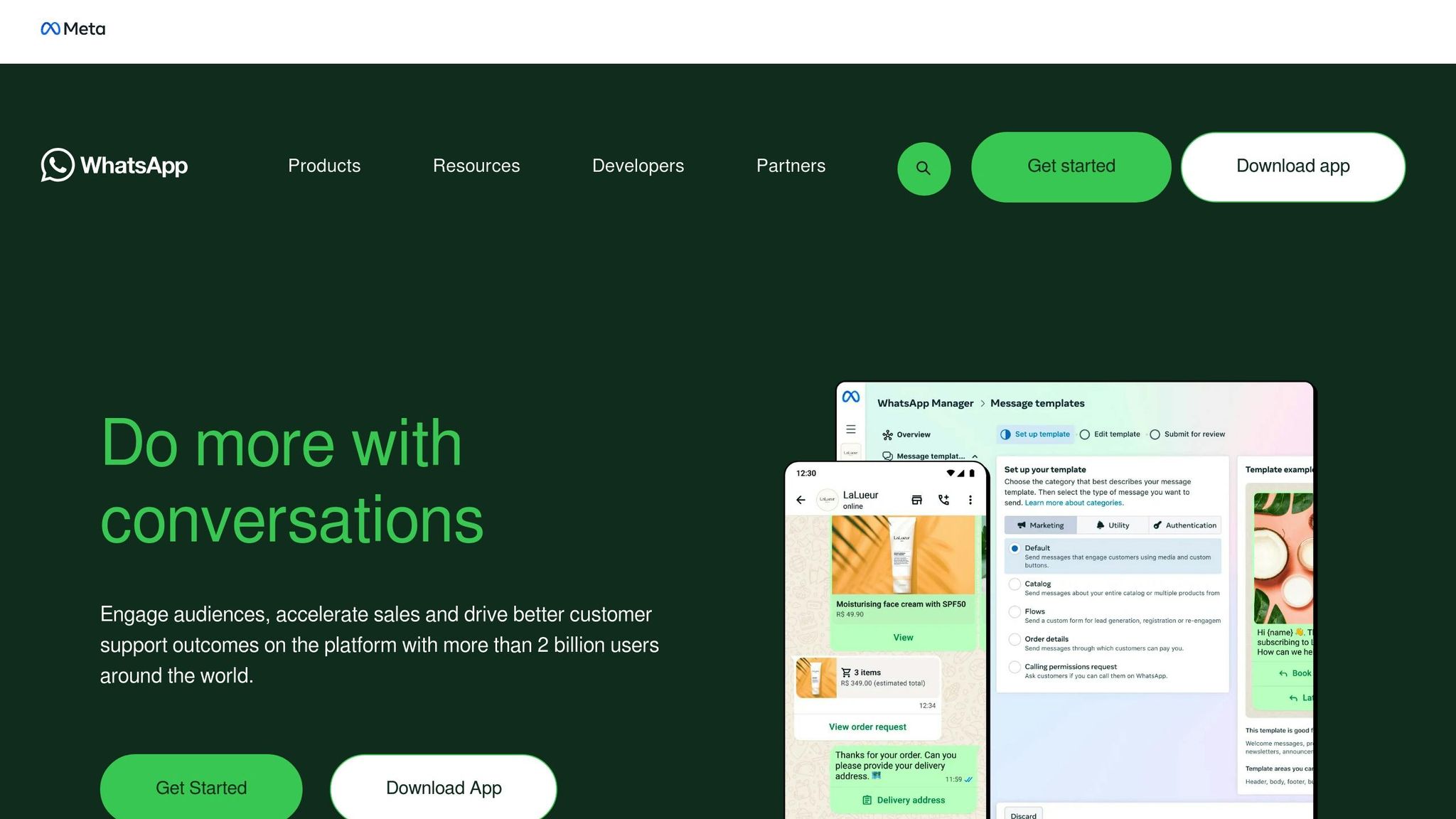
The WhatsApp Business App is a great choice for small businesses and sole traders in the UAE. Setting up Quick Replies (the app’s version of preset messages) is straightforward - just download the app and register a valid phone number. No additional steps are required to use Quick Replies.
If you want to send Message Templates outside the 24-hour customer service window, though, you'll need to set up a Meta Business Portfolio (formerly known as Business Manager). This platform helps you manage your Meta business assets, including your WhatsApp Business Account (WABA). Without it, you can't create or submit templates for Meta's approval.
Here are some key points to keep in mind:
- A Meta Business Account includes 2 phone numbers by default, but this can go up to 20.
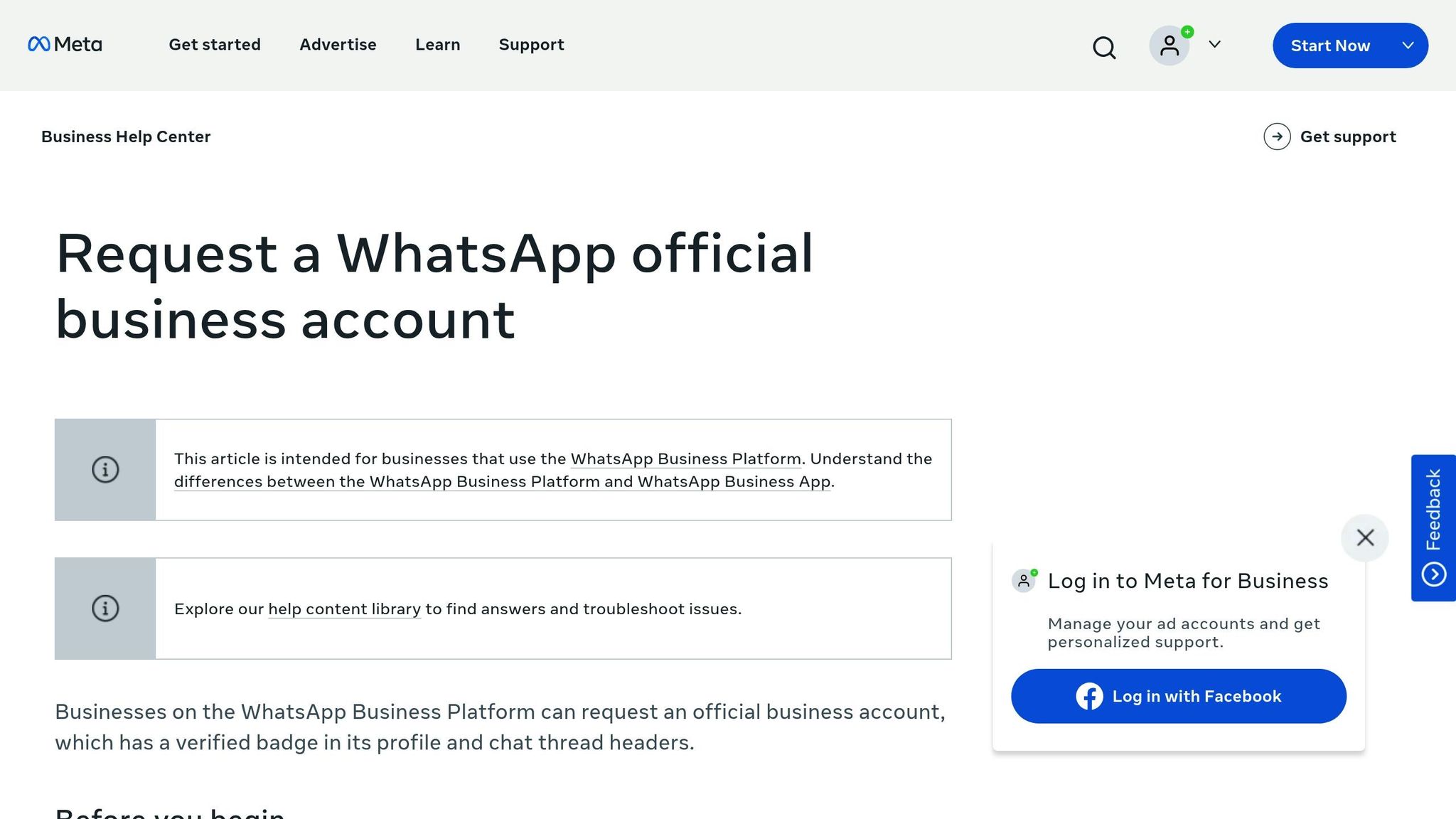
- UAE businesses should complete Meta Business Verification to increase the template limit from 250 to 6,000 per WABA. Verification also grants the coveted green badge for 'Official Business Account'.
- The verification process typically takes anywhere from 1 to 7 business days, depending on the documents you provide.
Requirements for WhatsApp Business API Users
The WhatsApp Business API is tailored for medium and large enterprises that need advanced features like automation, multi-agent access, and CRM integration. Setting this up involves a more technical process compared to the app.
Here’s what you’ll need:
- A Meta Business Portfolio and a WhatsApp Business Account (WABA).
- A valid phone number (virtual or real) dedicated exclusively to your business account.
In the UAE, many businesses work with a Business Solution Provider (BSP) to handle API access. BSPs ensure compliance with the UAE Personal Data Protection Law (PDPL) and provide tools like multi-agent inboxes. As VRS Technologies explains:
"UAE businesses can operate legally and responsibly in the UAE, as our WhatsApp Business API ensures full compliance with UAE PDPL regulations and WhatsApp policies".
Additionally, businesses must secure explicit user opt-in before sending any template messages. This opt-in must clearly state your business name and the purpose of your messages. For those running paid ad campaigns, integrating WAConversionTracking allows you to track WhatsApp conversions as Google Ads events, helping you optimise ad spend and measure ROI effectively.
| Feature | WhatsApp Business App | WhatsApp Business API |
|---|---|---|
| Target Audience | Small businesses/Sole traders | Medium to large enterprises |
| Setup Requirement | Mobile app installation | Meta Business Portfolio & WABA |
| Template Limit | Limited manual "Quick Replies" | Up to 6,000 approved templates |
| Automation | Basic (Greeting/Away messages) | Advanced (Chatbots, CRM integration) |
| Multi-Agent Access | Limited devices | Unlimited via multi-agent inbox tools |
| Compliance | Standard WhatsApp terms | UAE PDPL & Meta Business Policy |
How to Create Preset Messages on WhatsApp
After setting up your Meta Business Portfolio and WhatsApp Business Account, you're ready to create your first message template. This involves three key steps: accessing WhatsApp Manager, designing your template with the right structure, and submitting it for Meta's review.
Accessing WhatsApp Manager in Meta Business Manager
Start by logging into business.facebook.com using your Meta Business account. From the left-hand menu, go to Settings, then navigate to Accounts > WhatsApp Accounts. Select your registered WhatsApp Business Account to open the WhatsApp Manager dashboard. Here, click Message Templates to view existing templates or create new ones. This dashboard is where you manage all your WhatsApp templates.
Creating a New Message Template
To begin, click Create Template. Name your template using lowercase letters, numbers, and underscores (e.g., order_confirmation_uae). Keep the name under 512 characters and ensure it's unique for each language.
Next, select the category that fits your message's purpose:
- Marketing: For promotional content or offers.
- Utility: For transactional updates like delivery notifications.
- Authentication: For one-time passcodes.
Choose your language from WhatsApp's wide range of supported options, including Arabic (ar) and English variants. If you're targeting English-speaking customers in the UAE, select the appropriate English dialect.
Now, structure your message using these elements:
- Header (optional): Include up to 60 characters of text or a media file. You can also add one variable (e.g.,
{{1}}) for personalisation. - Body: This is the main content, with a maximum of 1,024 characters. Personalise it using sequential variables (e.g.,
{{1}}for a customer's name). For example: "Hi {{1}}, your order #{{2}} will arrive at {{3}} today." Ensure variables are sequential - skipping numbers can lead to rejection. - Footer (optional): Add up to 60 characters of grey text, such as your business name or a disclaimer.
- Buttons (optional): You can include up to three Quick Reply buttons or a Call-to-Action button with a link.
When creating your message, provide sample values for all variables. For instance, if {{1}} represents a customer name, use "Ahmed" as an example. This helps Meta reviewers understand the context, reducing the chances of rejection.
Submitting Templates for Approval
Once your template is ready, click Submit to send it for Meta's review. The review process typically takes up to 24 hours. Templates can have the following statuses:
| Template Status | Meaning | Can be Sent? |
|---|---|---|
| In-Review | Currently being reviewed by Meta | No |
| Approved | Passed review and ready for use | Yes |
| Rejected | Contains policy violations or formatting errors | No |
| Paused | Temporarily disabled due to poor quality feedback | No |
| Disabled | Permanently inactive due to repeated quality issues | No |
If your template is rejected, check the feedback in WhatsApp Manager, make corrections, and resubmit. If you believe the rejection was a mistake, you can file an appeal.
Once approved, your template will receive a quality rating (High, Medium, or Low) based on customer engagement and feedback. Maintaining a high quality rating is crucial, as templates with consistently low ratings may be paused or permanently disabled. Approved templates can significantly improve your business communication, fitting perfectly into your digital marketing strategies in the UAE.
sbb-itb-0a82e4d
How to Use Preset Messages for UAE Businesses
Sending Approved Templates
When responding to a customer's message within the first 24 hours, you can use regular chat responses. However, if it’s been more than 24 hours or you’re initiating contact (like sending promotions or follow-ups), you’ll need to use approved message templates.
For marketing purposes, there are limits on how many templates you can send. Verified WhatsApp Business accounts have the advantage of unlimited business-initiated messages, using up to 6,000 approved templates. Unverified accounts, however, are restricted to 250 conversations within a rolling 24-hour period. If a customer doesn’t respond to your messages, WhatsApp may prevent you from sending further marketing messages to that user.
The next step is to customise these templates to better connect with your UAE audience.
Personalising Messages for UAE Audiences
To make your templates more relevant to UAE customers, localise them by including prices in AED (e.g., {{1}} = AED 100.00), using DD/MM/YYYY for dates, and offering both English and Arabic versions. During popular shopping events like White Friday - the region’s equivalent of Black Friday - add time-sensitive deals and offer 24/7 support to boost engagement.
Interactive elements can make a big difference. Use Quick Reply buttons (up to three) to guide users through a smooth conversation flow. Call-to-Action buttons can link directly to product pages or even initiate phone calls. Avoid using plain URLs; instead, embed links within these buttons for a more polished and professional look. Since WhatsApp automatically shortens longer messages with a "Read more" link, make sure your key information and calls-to-action appear within the first five lines.
For marketers aiming to track performance, integrating conversion tracking tools with WhatsApp can take your efforts to the next level.
Integrating WAConversionTracking for Performance Marketers
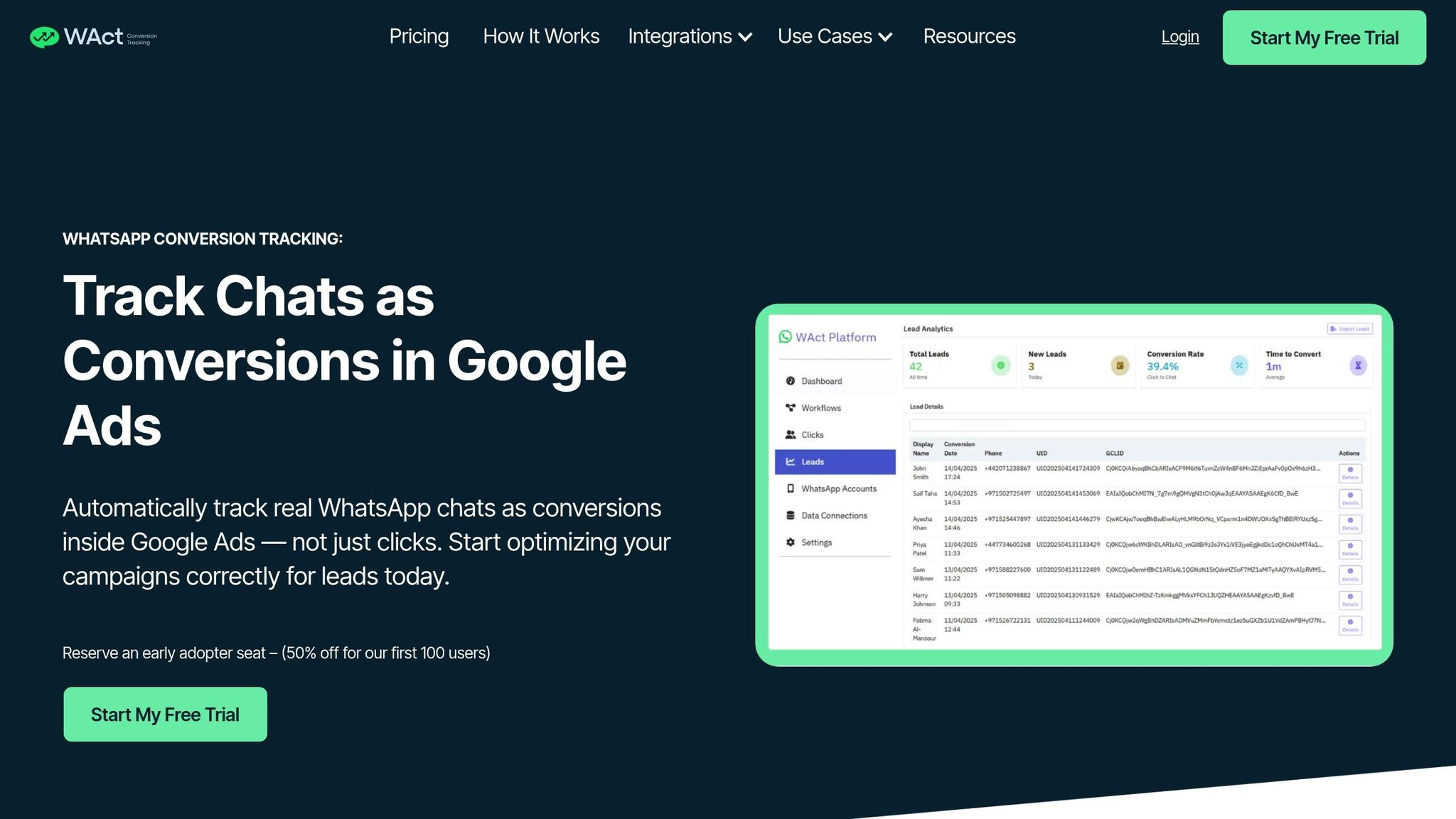
If you’re running ad campaigns that direct users to WhatsApp, it’s crucial to track full conversations - not just button clicks - for better insights. WAConversionTracking allows you to capture live WhatsApp interactions, including GCLID and UTM parameters. This data is then automatically uploaded to Google Ads, helping Smart Bidding algorithms learn and reducing wasted spend on low-quality clicks.
Webhooks can further enhance tracking by sending essential data - like phone numbers, conversation IDs, and flow responses - directly to your system whenever a customer interacts. You can also use dynamic URL parameters in your CTA buttons to track specific leads, appending unique identifiers to destination links. With the WhatsApp Cloud API supporting up to 1,000 messages per second and offering 99.9% uptime, you can confidently scale high-volume campaigns while maintaining precise attribution for every interaction.
Conclusion
Preset messages transform WhatsApp communication for businesses in the UAE. Instead of manually typing the same responses over and over, you can respond instantly to common queries, ensure consistent messaging, and provide 24/7 support. With WhatsApp boasting a 98% open rate and response rates ranging between 45% and 60%, it’s a platform that easily outperforms email in terms of engagement.
While the WhatsApp Business App allows up to 50 quick replies, the API offers far more flexibility, supporting up to 5,000 templates with advanced automation and CRM integration. Verified WhatsApp Business accounts can go even further, adding up to 6,000 approved message templates. Businesses leveraging these tools have seen impressive results, with automation significantly boosting engagement and recovery rates.
For performance marketers running paid ads to WhatsApp, tracking actual conversations - not just button clicks - is crucial. WAConversionTracking bridges this gap by capturing live WhatsApp interactions using GCLID and UTM parameters. It then uploads this data to Google Ads, enabling Smart Bidding to optimise ad spend with precise, actionable signals.
FAQs
How can businesses in the UAE use WhatsApp preset messages to improve communication?
Businesses in the UAE can leverage WhatsApp preset messages to simplify communication and improve customer satisfaction. Features like quick replies and message templates enable companies to address common queries swiftly, cutting down response times and enhancing operational efficiency. This is particularly important in the UAE's dynamic and competitive business environment.
Automating routine interactions allows businesses to maintain a consistent tone and brand identity while ensuring customers receive timely and accurate responses. When paired with tools like the WhatsApp Business API or integrated with CRM systems, these preset messages can streamline workflows, increase lead generation, and strengthen customer connections. Additionally, this approach aligns with local data protection laws, offering a personalised yet professional customer experience.
How can I get my WhatsApp Message Templates approved by Meta?
To have your WhatsApp Message Templates approved by Meta, you’ll need to submit them via the WhatsApp Business Manager. Be sure to include all necessary details, such as the category, template name, and language. Once submitted, Meta typically reviews your template within 48 hours.
Once approved, you can start using the template to streamline communication with your customers. Make sure your template complies with Meta’s guidelines to prevent any delays or possible rejections.
What is the difference between the WhatsApp Business App and API for preset messages?
The WhatsApp Business App and WhatsApp Business API differ in functionality and target users, especially when it comes to preset messages. The WhatsApp Business App suits small to medium-sized businesses, offering straightforward tools like quick replies and basic preset messages. It's user-friendly and ideal for managing day-to-day customer interactions manually.
In contrast, the WhatsApp Business API is designed for larger businesses that require more advanced features. It enables the automation and customisation of message templates, including personalised and transactional messages, by integrating with external systems. This makes it a scalable option for businesses looking to streamline and enhance customer communication with greater efficiency. Simply put, the app is great for simpler needs, while the API is built for businesses seeking more advanced solutions.




